3A7
1-4-6
• 15 cpm copier
Auxiliary
scanning
direction
Original
Main scanning
direction
Copy
example 1
Copy
example 2
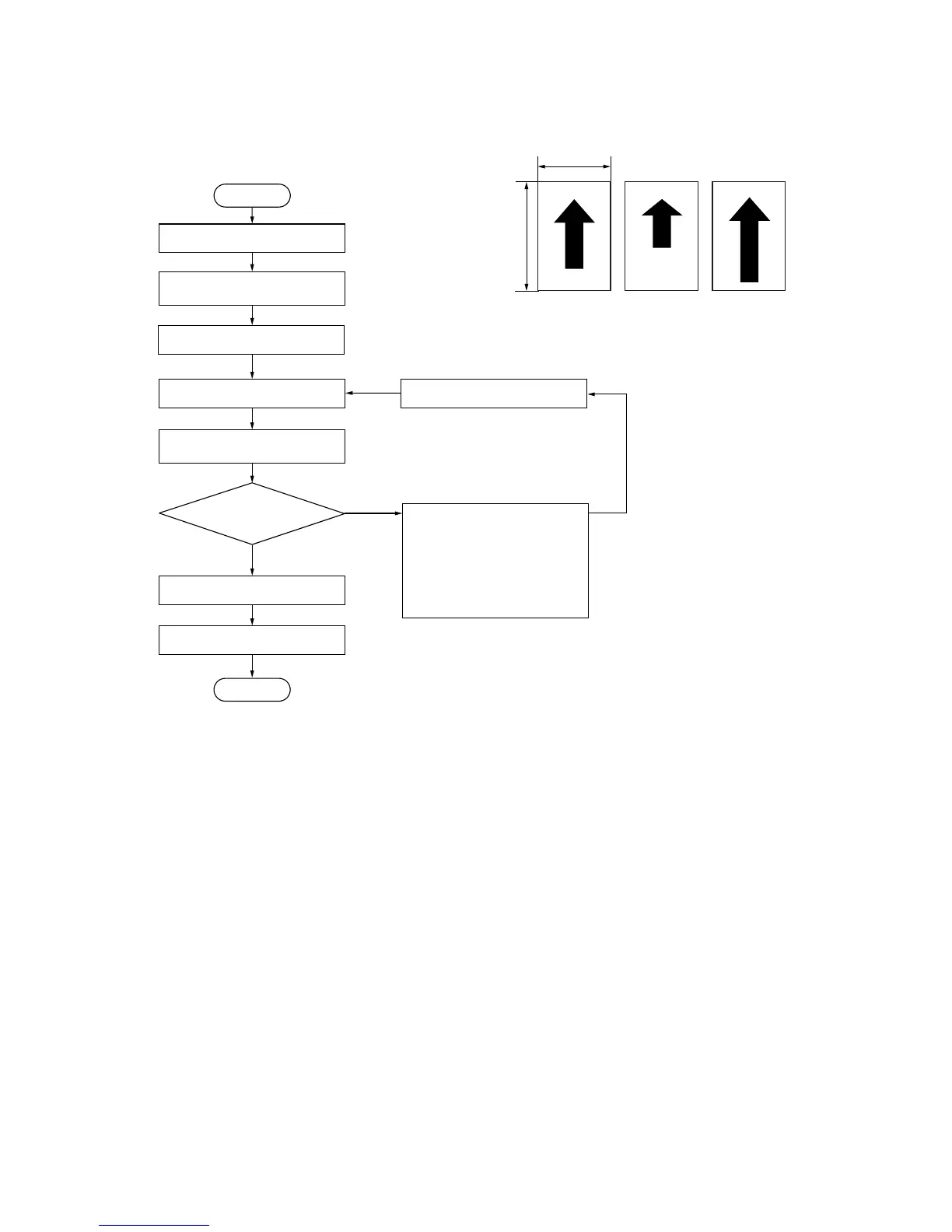
Figure 1-4-9
Enter maintenance mode.
Place an original on the DF
and make a test copy.
Yes
No
Start
End
Exit maintenance mode.
Press the stop/clear key.
Is the image correct?
Enter “070” using
the numeric keys.
Press the interrupt key.
Setting range: –25 to +25
Changing the value by 1 changes
the magnification by 0.1%.
Reference: 0
Change the setting using the
zoom +/– keys.
• For copy example 1, increase
the value to make the copy
image longer.
• For copy example 2, decrease
the value to make the copy
image shorter.
Press the start key.
Press the start key.
The new setting is stored.



 To Next Page