3A8
1-3-1
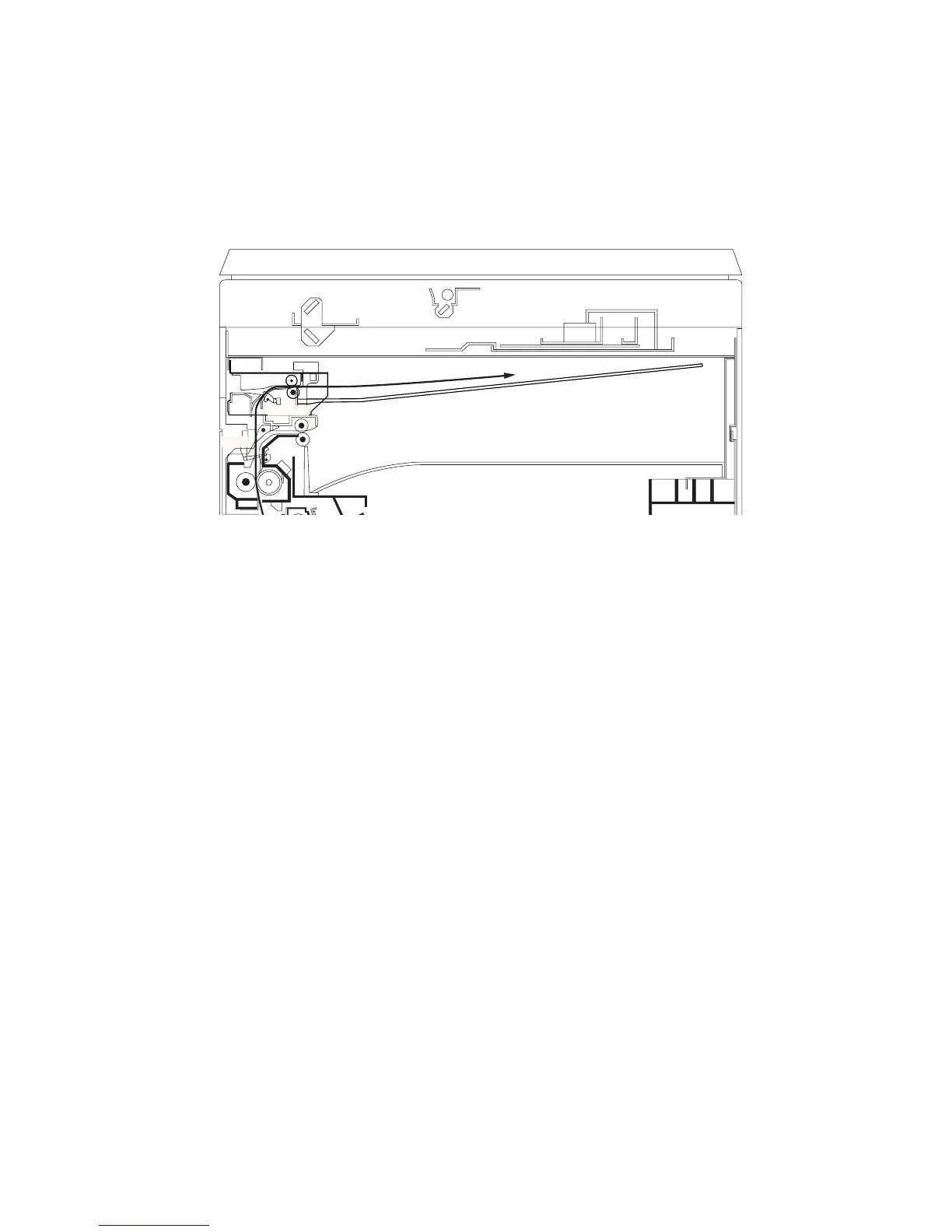
1-3-1 Paper misfeed detection
(1) Paper misfeed indication
When paper jams, the machine immediately stops operation and the occurrence of a paper jam is indicated on the copier
operation panel.
To remove the jammed paper, open the copier left cover.
To reset the paper misfeed detection, open and close the copier left cover to turn safety switch 2 off and on.
Figure 1-3-1 Paper misfeed detection
JBESW
ESW



 To Next Page