3A7
1-4-9
(6) Adjusting the scanning start position when the DF is used
Perform the following adjustment if there is a regular error between the leading or trailing edges of the original and the copy
image.
U034
U404
(P. 1-4-13)
U066 U071U403
U402
Caution:
Before making the following adjustment, ensure that the above adjustments have been made in maintenance mode.
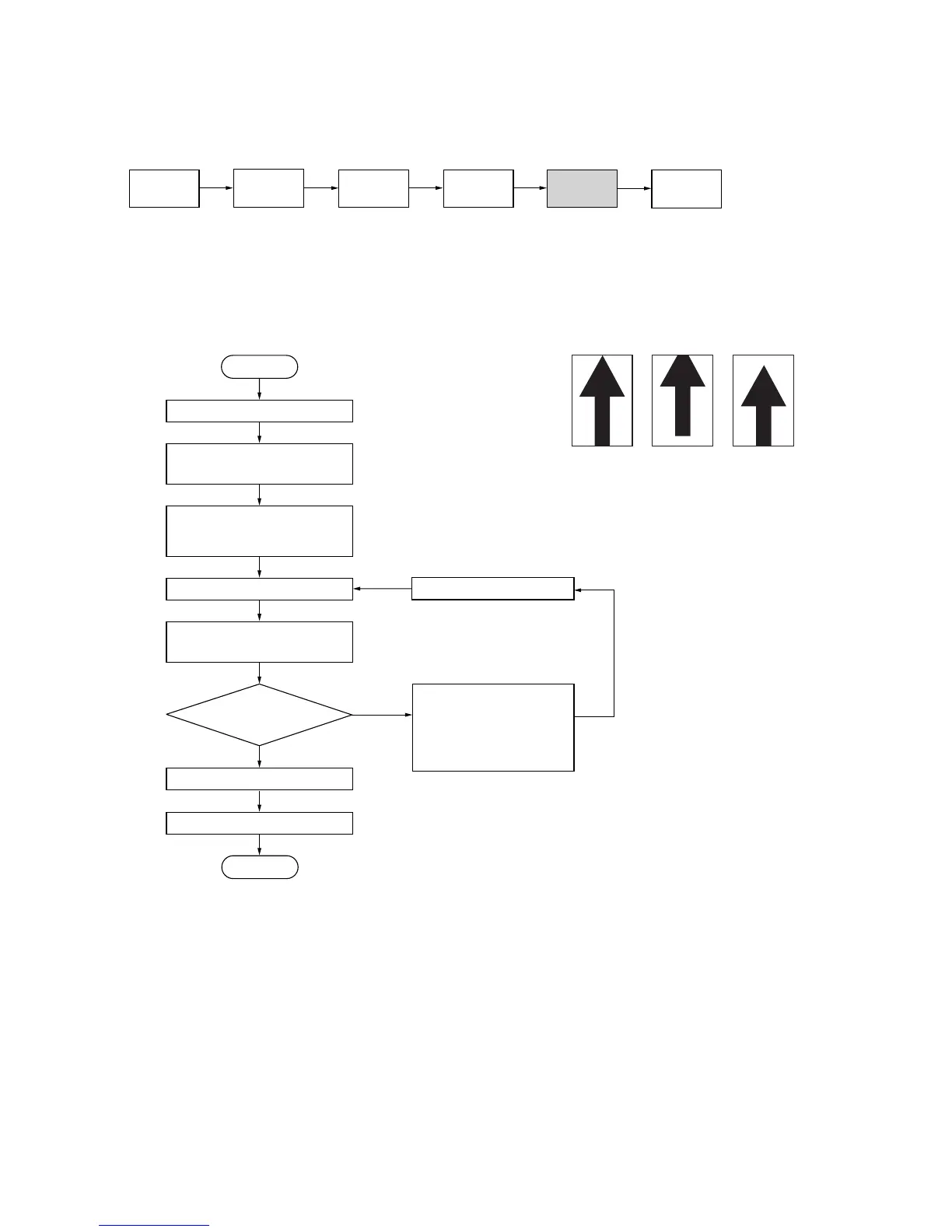
(6-1) Adjusting the DF leading edge registration
Procedure
• 20 cpm copier
Enter maintenance mode.
Enter “071” using the numeric
keys and press the start key.
Yes
No
Start
End
• For copy example 1,
increase the value using
the cursor right key.
• For copy example 2,
decrease the value using
the cursor left key.
Press the interrupt key.
Exit maintenance mode.
Press the stop/clear key.
Place an original on the
DF and make a test copy.
Is the image correct?
Setting range: –32 to +32
Reference: 0
Changing the value by 1 moves
the copy image by 0.19 mm.
Increasing the value moves the copy
image backward, and decreasing it
moves the image forward.
Press the start key.
The new setting is stored.
Select “LEAD EDGE ADJ”
using the cursor up/down
keys.
Original
Copy
example 1
Copy
example 2
Figure 1-4-12



 To Next Page