3BN/3A4
1-4-3
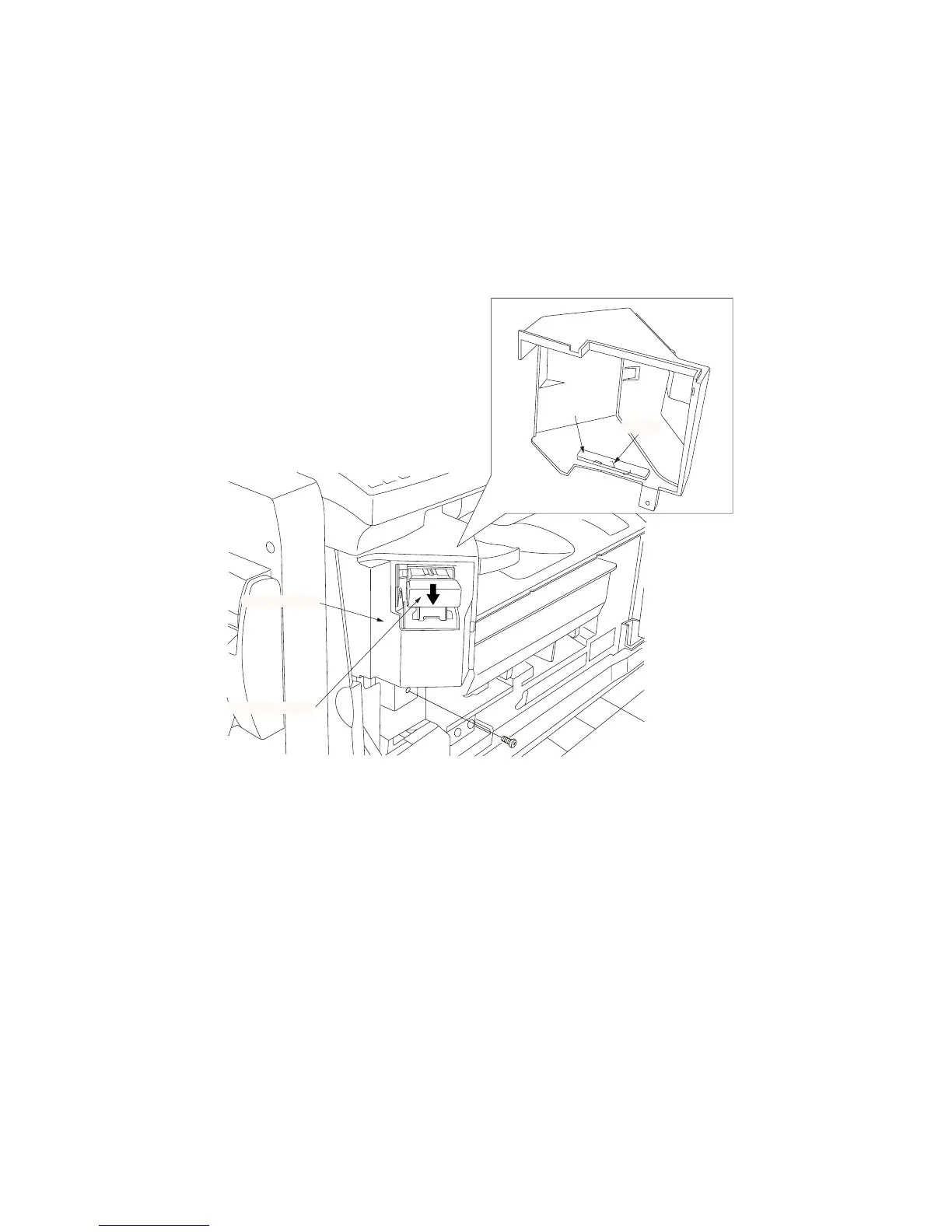
(2) Cleaning the stapler
During periodic maintenance, remove all the staples remaining inside the machine due to failure of stapling.
Procedure
1. Open the front cover of the copier.
2. Remove the staple cartridge.
3. Remove the screw securing the stapler cover
and then the cover.
4. Remove the staples attracted to the magnet on
the inside of the stapler cover.
5. Refit all the removed parts.
Magnet
Stapler cover
Staple cartridge
Staple
Figure 1-4-3



 To Next Page