3B1
1-3-11
Maintenance
Description
item No.
Setting if the image scanning quality in fax mode is initialized
Sets if the resolution is to be initialized when fax operation is complete.
1. Enter 1 or 2 using the numeric keys to change the setting.
Resolution is initialized.
Resolution is not initialized.
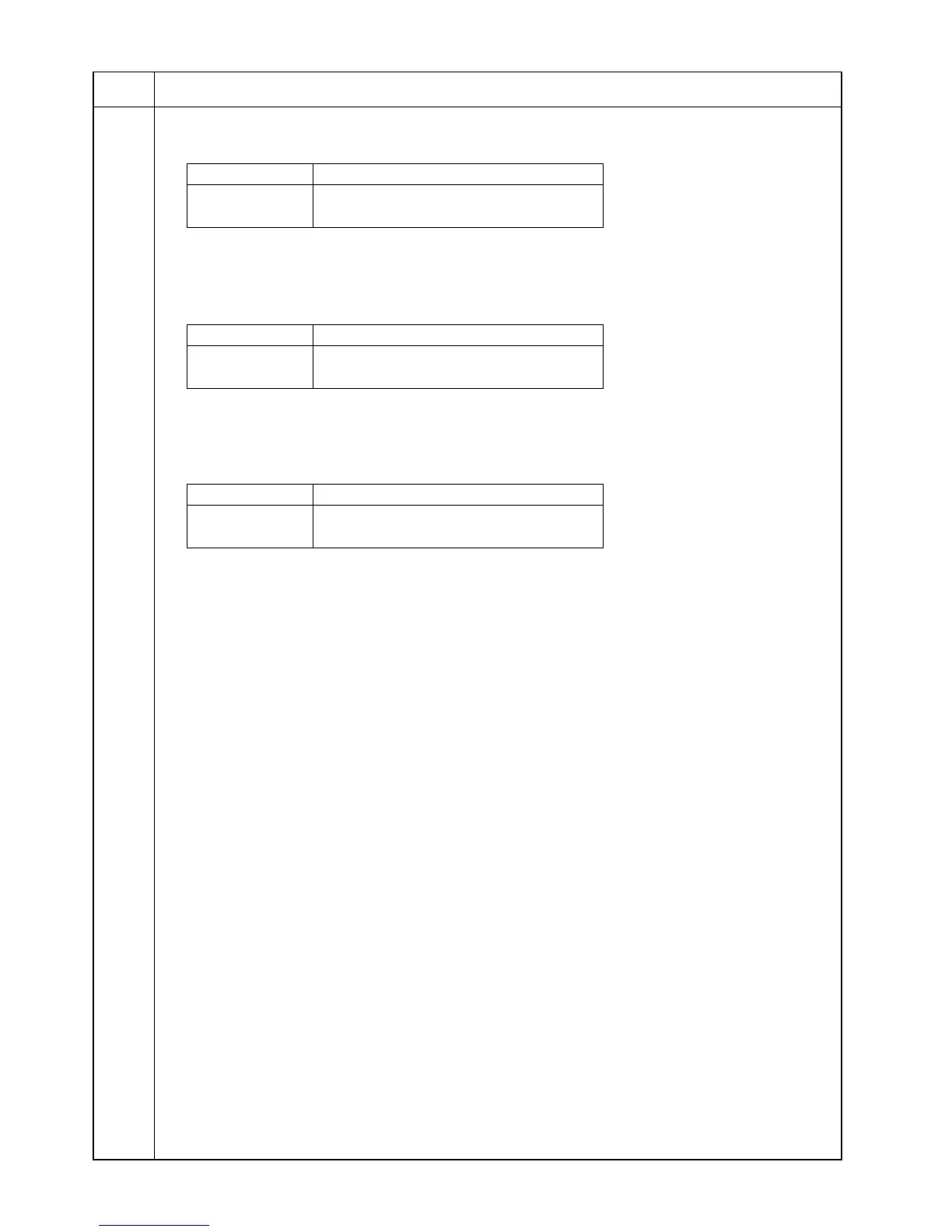
Display
1: ON
2: OFF
Description
2. Press the start key. The value is set.
3. To return to the screen for selecting an item, press the stop/clear key.
Setting if the scanning density in fax mode is initialized
Sets if the scanning density is initialized when fax operation is complete.
1. Enter 1 or 2 using the numeric keys to change the setting.
Density is initialized.
Density is not initialized.
Display
1: ON
2: OFF
Description
2. Press the start key. The value is set.
3. To return to the screen for selecting an item, press the stop/clear key.
Setting whether to skip unregistered abbreviated numbers and one-touch key numbers on the list
Sets whether to skip unregistered abbreviated numbers and one-touch key numbers on the list.
1. Enter 1 or 2 using the numeric keys to change the setting.
Unregistered numbers are skipped.
Unregistered numbers are not skipped.
Display
1: ON
2: OFF
Description
2. Press the start key. The value is set.
3. To return to the screen for selecting an item, press the stop/clear key.
Completion
Press the stop/clear key at the screen for selecting an item. The screen for selecting a maintenance item No. is
displayed.
U606
(cont.)


 To Next Page