2FD/2FF/2FG
1-3-18
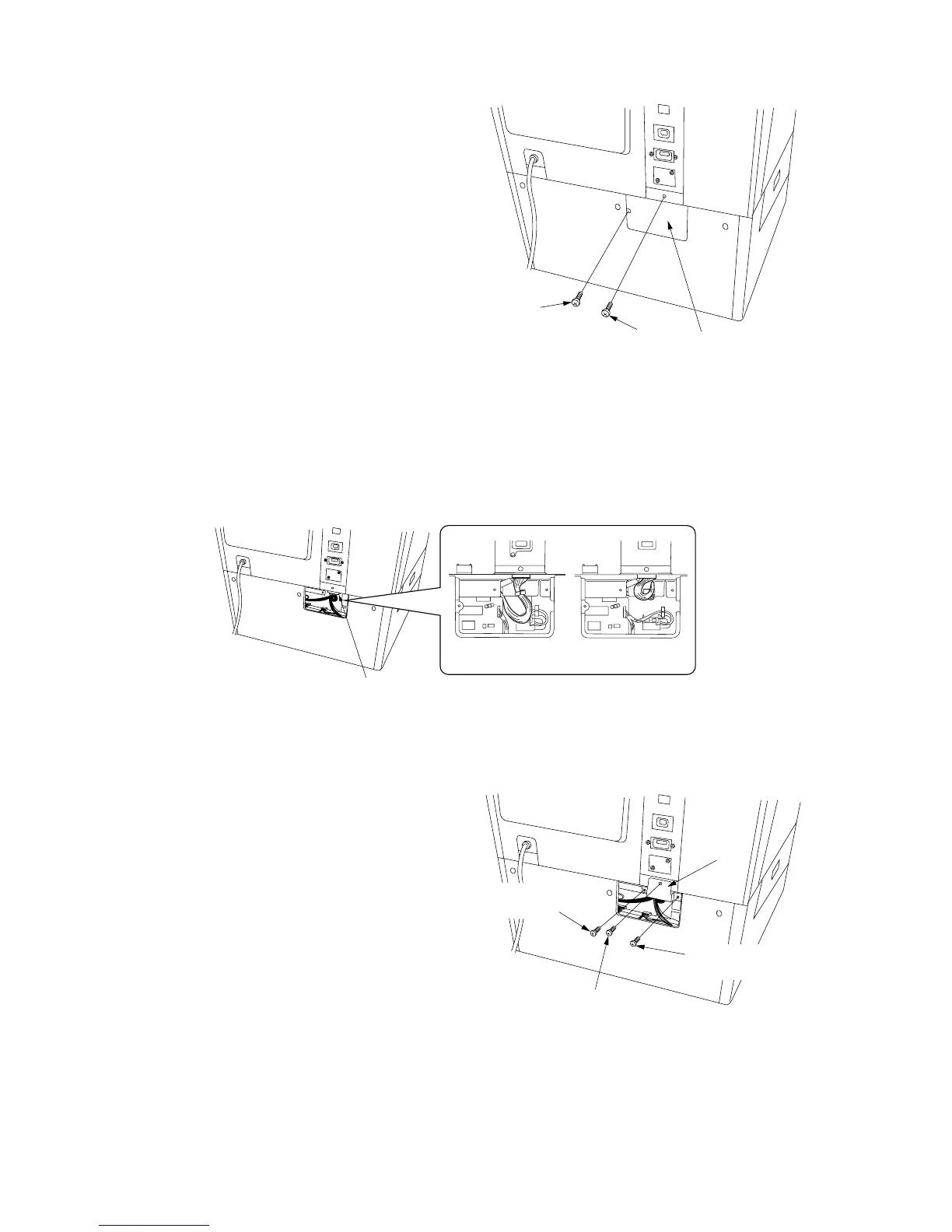
Figure 1-3-31
Figure 1-3-32
Screw
Screw
Cover
OK NG
12-pin connector
Retainer
Screw
CVM4 × 06 cross-head
chromate binding screw
CVM4 × 06 cross-head
chromate binding screw
Figure 1-3-33
5. Remove the screw and then the cover from
the rear of the large paper deck.
6. Remove the screw from the rear of the copier.
7. Insert the 12-pin connector of the large paper deck into the connector on the copier.
8. Fit the retainer using the screw removed in
step 6 and the two CVM4 × 06 cross-head
chromate binding screws.
9. Refit the cover using the screw (see step 5).



 To Next Page