5FF
1-4-5
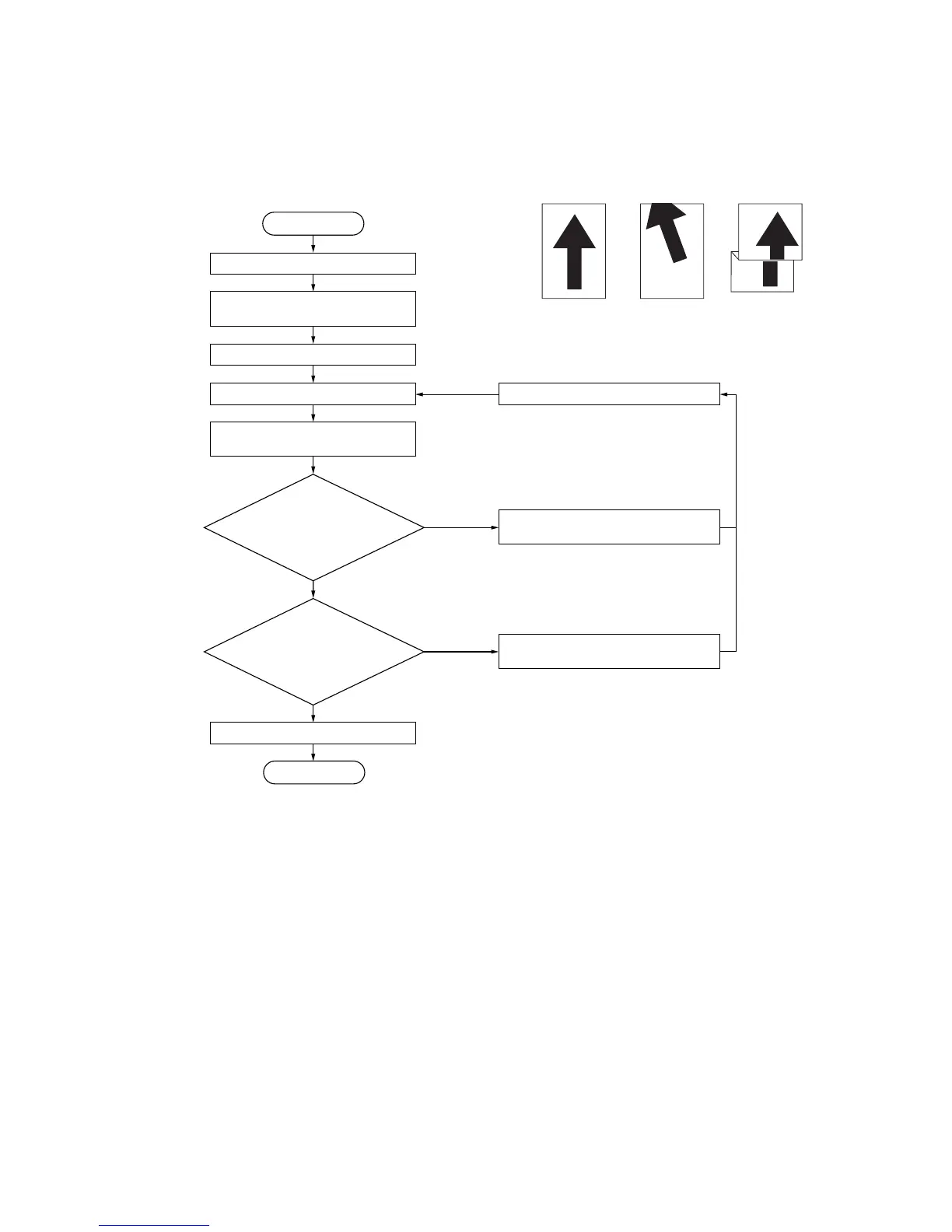
(5) Adjusting the amount of slack
Perform the following adjustment if the leading edge of the copy image is missing or varies randomly, or if the copy paper is
Z-folded.
Procedure
Figure 1-4-6
Original Copy
example 1
Copy
example 2
Start
Run maintenance item U051.
Select “FEED DATA.”
Select “LCF.”
Press the interrupt key. Press the start key.
Press the start key to make a
test copy.
Enter maintenance mode.
Exit maintenance mode.
Is the leading
edge of the image missing
or varying randomly
(copy example 1)?
Is the copy
paper Z-folded
(copy example 2)?
No
No
End
The new setting is stored.
Increase the value using the cursor
upper key.
Yes
Decrease the value using the cursor
lower key.
Yes
Setting range: 0 – 255
Changing the value by 1 changes the
amount of slack by 0.67 mm
Reference: 0
The greater the value, the larger the
amount of slack;
The smaller the value, the smaller the
amount of slack.



 To Next Page