2FD/2FF/2FG
1-3-36
1-3-10 Installing the Scanning System (option)
Procedure
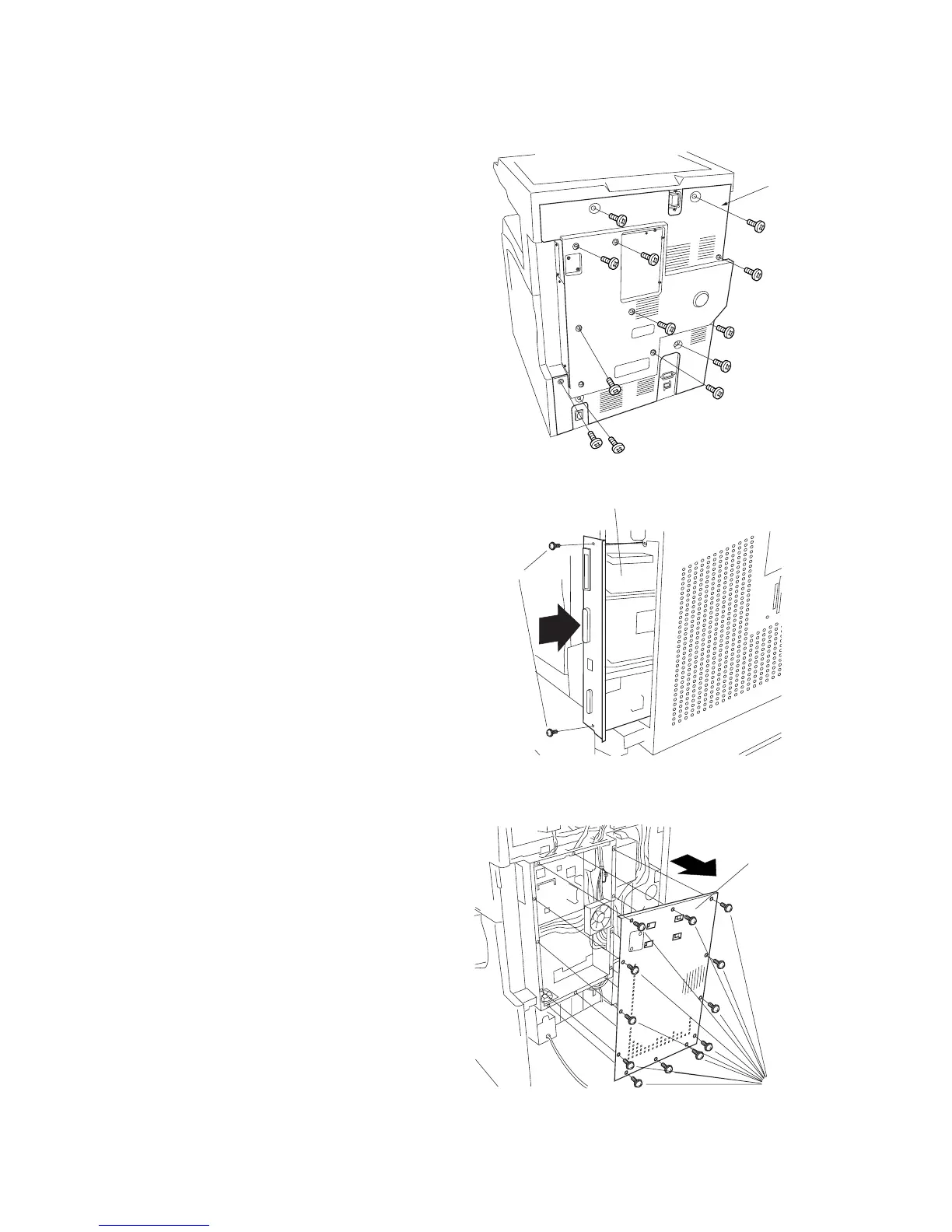
1. Remove 13 screws and take off the rear
cover.
Figure 1-3-79
• If the printing system is installed
2. Remove the 2 screws holding the printer
system in place, and pull the printing system
out of the shield cover.
Screws
Printer system
Figure 1-3-77
Figure 1-3-78
Shield cover
Screws
3. Remove 13 screws and take off the shield
cover.
Rear cover



 To Next Page