2FD/2FF/2FG
1-3-34
1-3-9 Installing the Printing System (option)
Procedure
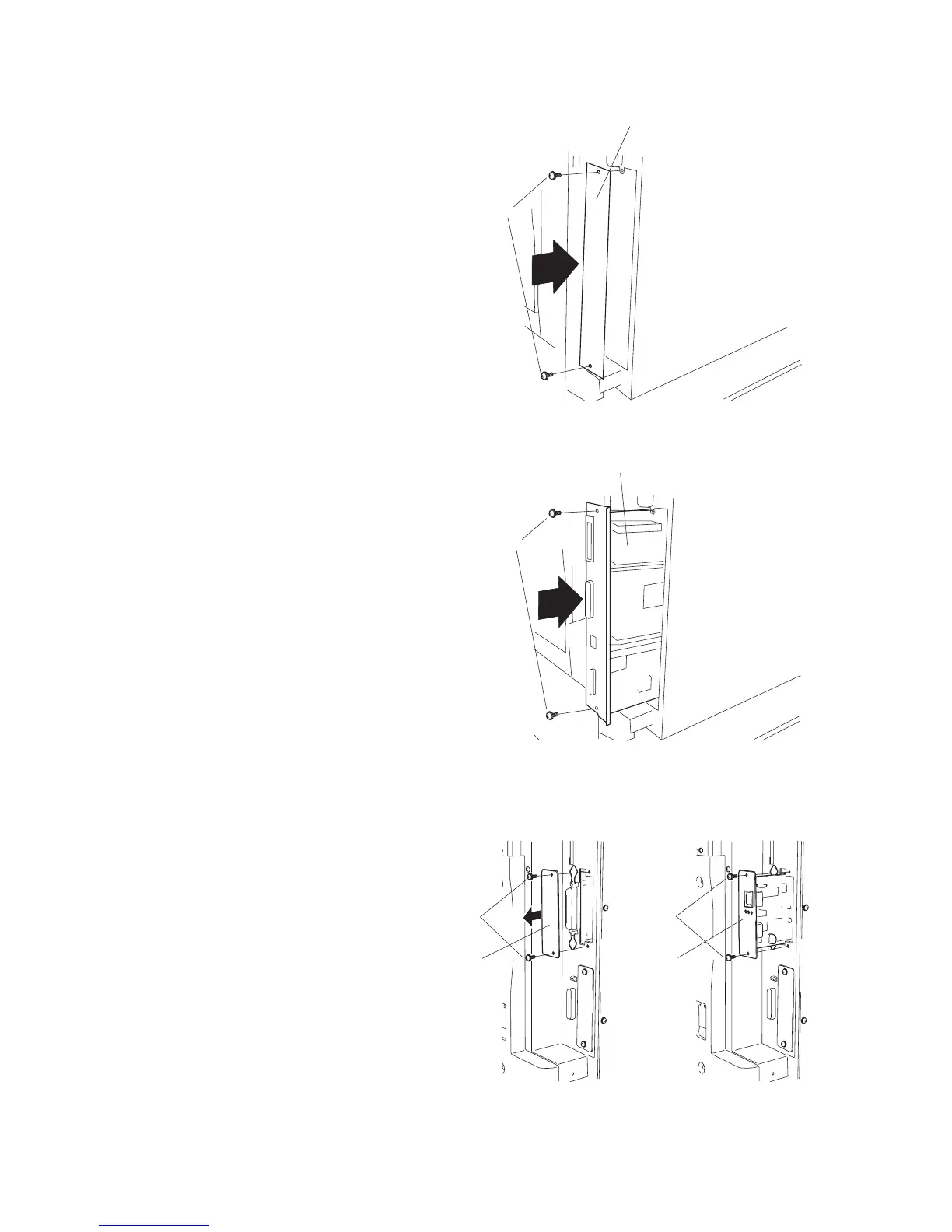
1. Remove 2 screws and take off the cover.
Figure 1-3-73
Figure 1-3-74
2. Push the printing system all the way in along
the rails, and fasten it with 2 screws.
Install the (optional) network printer board.
3. Remove 2 screws and take off the cover.
4. Push the network printer board all the way in
along the rails, and fasten it with 2 screws.
Figure 1-3-72
Screws
Cover
Screws
Printing system
Cover
Screws
Netwark
printer
board
Screws



 To Next Page