2FD/2FF/2FG
1-3-53
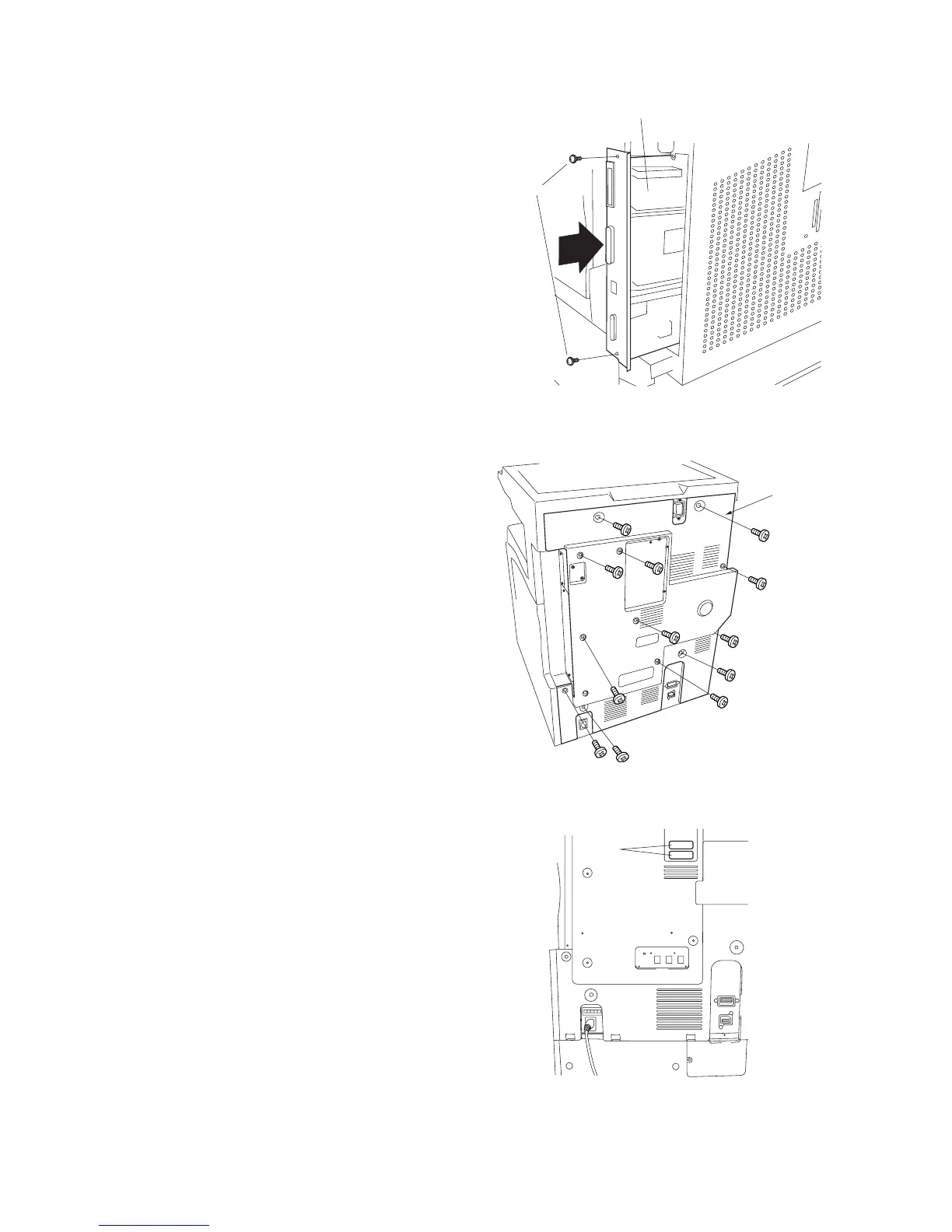
• If the printing system was installed
20. Reinstall the printing system into the shield
cover, fastening it into place with 2 screws.
Screws
Printing system
Figure 1-3-124
21. Reattach the rear cover with 13 screws.
Figure 1-3-125
22. Adhere the certification labels to the rear
cover at the locations indicated in the
illustration (only 120 V Spac.).
Certification
labels
Figure 1-3-126
Rear cover



 To Next Page