2FD/2FF/2FG
1-3-62
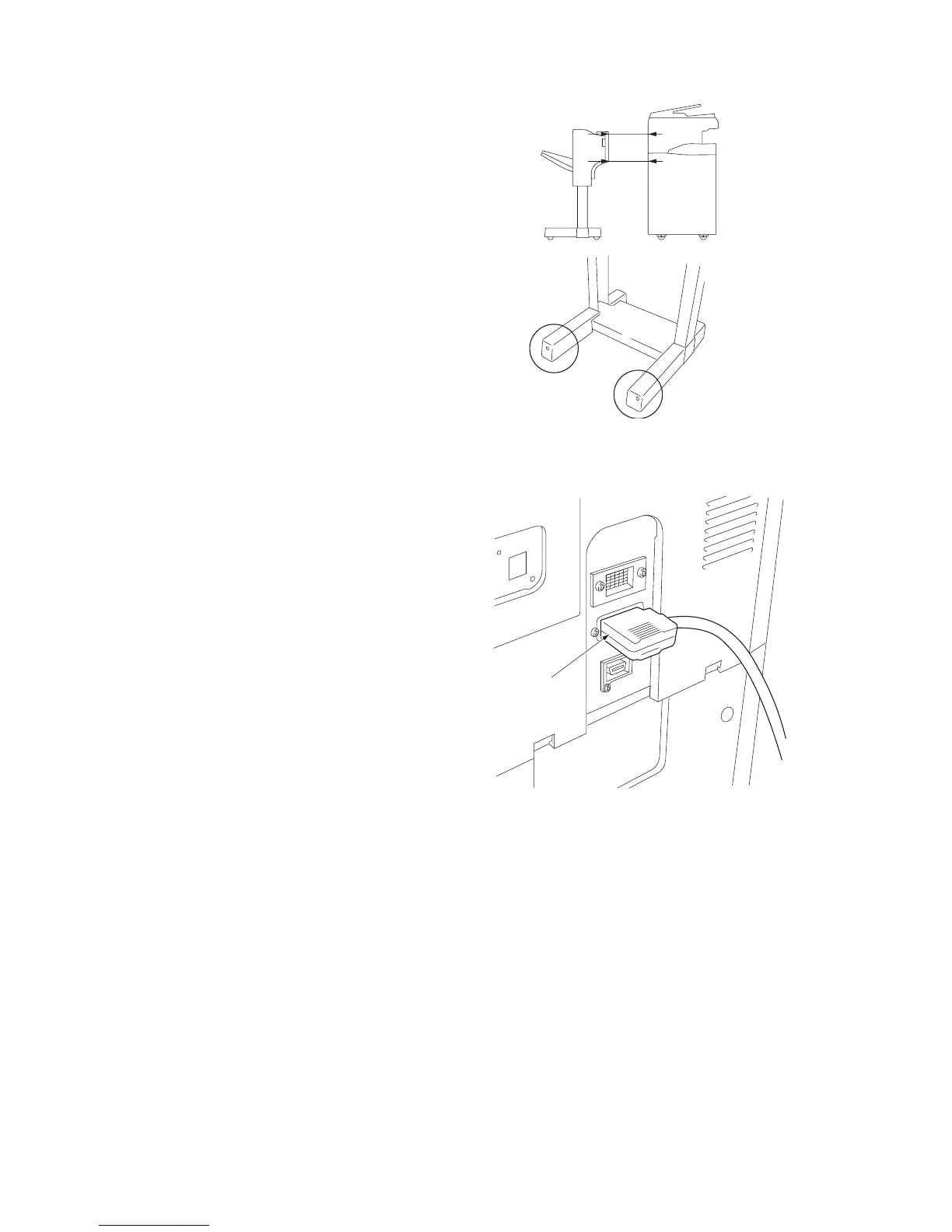
4. Adjust the height of the left two casters in the
same manner as in step 2 so that the right
and left gaps “a” between the finisher and the
copier are the same at the top and bottom
when the finisher is detached from the copier.
5. Reattach the removed parts to their original
positions.
Connecting the signal cable
1. Connect the signal cable of the finisher to the
copier.
Operation check
1. Insert the copier power plug to the wall outlet
and turn the power switch on.
2. Make test copies and check that the finisher
operates correctly.
Figure 1-3-148
Figure 1-3-149
a
a
Signal cable



 To Next Page