86 Artiglio Master Code User Manual
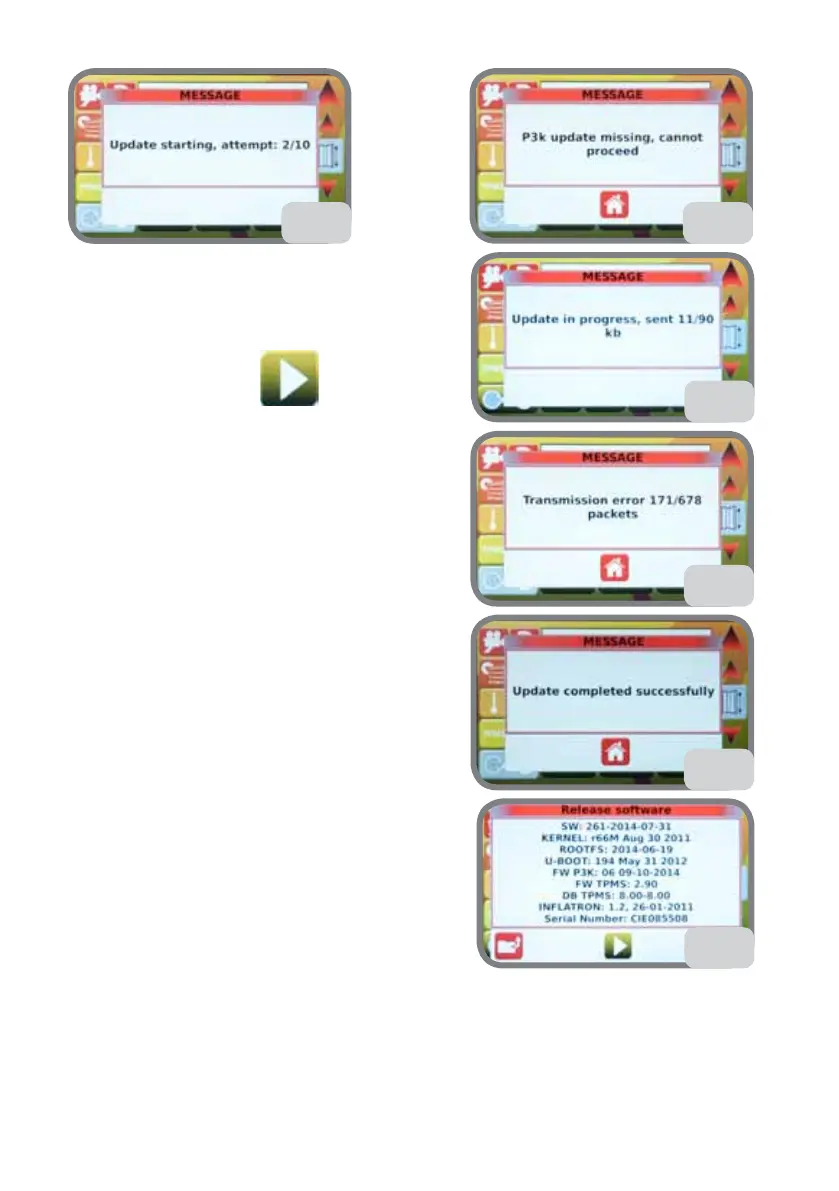
The message in Fig. 70b will be displayed.
- If the update does not start after 10 attempts,
an error message
will be displayed (Fig. 70c).
Press the confirm key
to go back to the
previous screen, then repeat the steps from
point 1.
- If the update starts, a progress message on new
file loading will be displayed (Fig. 70d).
- If file loading is interrupted, the message in Fig.
70e will be displayed.
3. After loading, the message in Fig. 70f will be
displayed.
4. Remove the USB key.
5. Selecting the RELEASE SOFTWARE VERSION
option described previously (section 5.8.d), check
the FW P3K version now installed on MASTER
CODE (see Fig. 70g).
70c
70e
70f
70b
70d
70g



 To Next Page