90 Artiglio Master Code User Manual
SPECIAL INFLATION PROCEDURE:
Use this function for improved tyre insertion.
7A. Press the key
for overpressure.
The following will appear on the display
.
8A. Press the key
to start the cycle.
The wheel will be inflated to a pressure above 60% the configured value (within maximum
pressure limits). Once this overpressure value is reached, the system deflates the tyre
to the set value. During the entire inflation and deflation stage, the pressure value is
not displayed and instead 3 horizontal red bars and a flashing triangle appear (Fig. 73c).
At the end of the operation, the set pressure is displayed again in green and the yellow
triangle disappears (Fig. 73d).
At this stage, inflation has ended.
9A. Disconnect the Doyfe inflator chuck from the wheel.
10A. Mount the valve stem core (Fig. 73a).
Notes: To stop the automatic inflation cycle at
any moment, press the “STOP” key
.
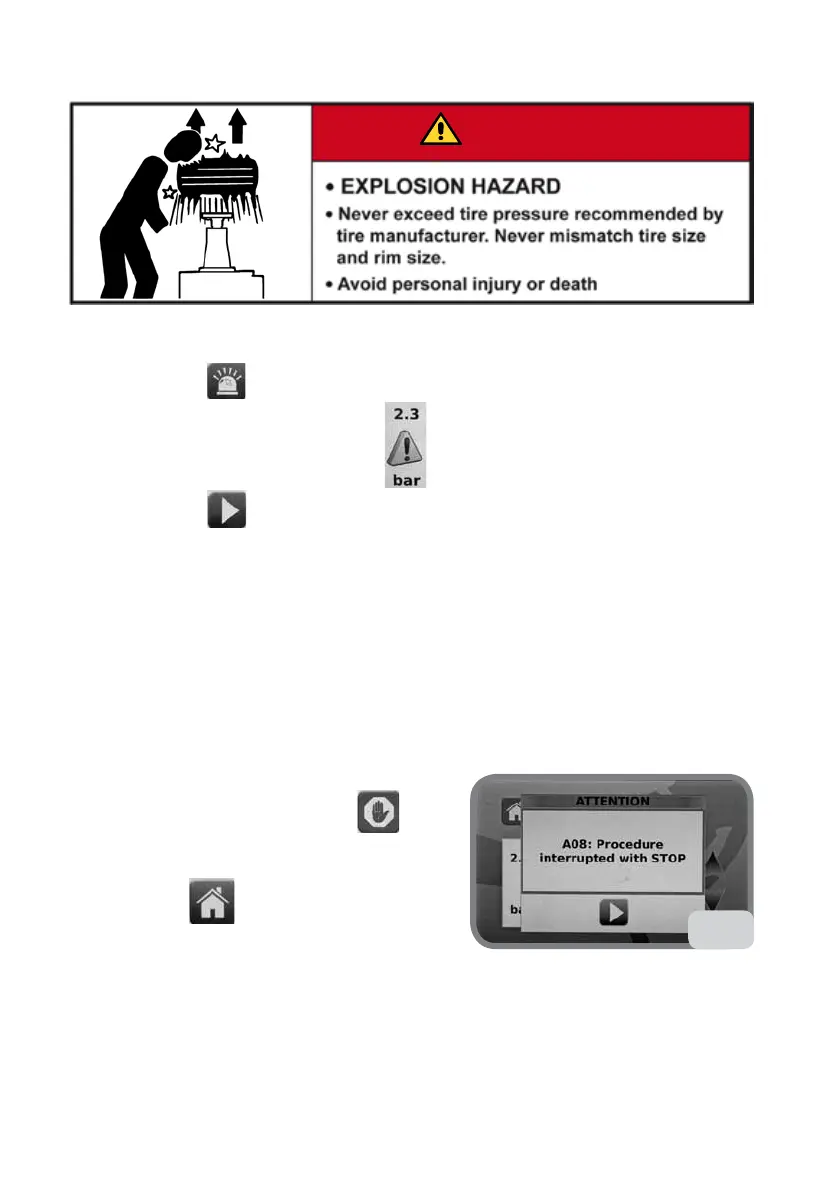
The error message A08 ERR_STP (see Fig. 73e)
will appear on the display.
- Press the key
to exit INFLATRON and go
back to the main screen.
6.1.b POSSIBLE ERROR MESSAGES
In the event of anomalies, error messages will appear on the display, and all valves will
be closed.
A01
Loss of calibration coefficients.
73e
DANGER



 To Next Page