122 • 4-Series™ Control Systems Product Manual — Doc. 8559B
l
Enter theCrestron Internet Protocol port used by the control system in the CIPPort text
field. Port 41794 is used by default.
l
Enter the Secure Crestron Internet Protocol port used by the control system in the
SCIPPort text field. Port 41796 is used by default.
SSH
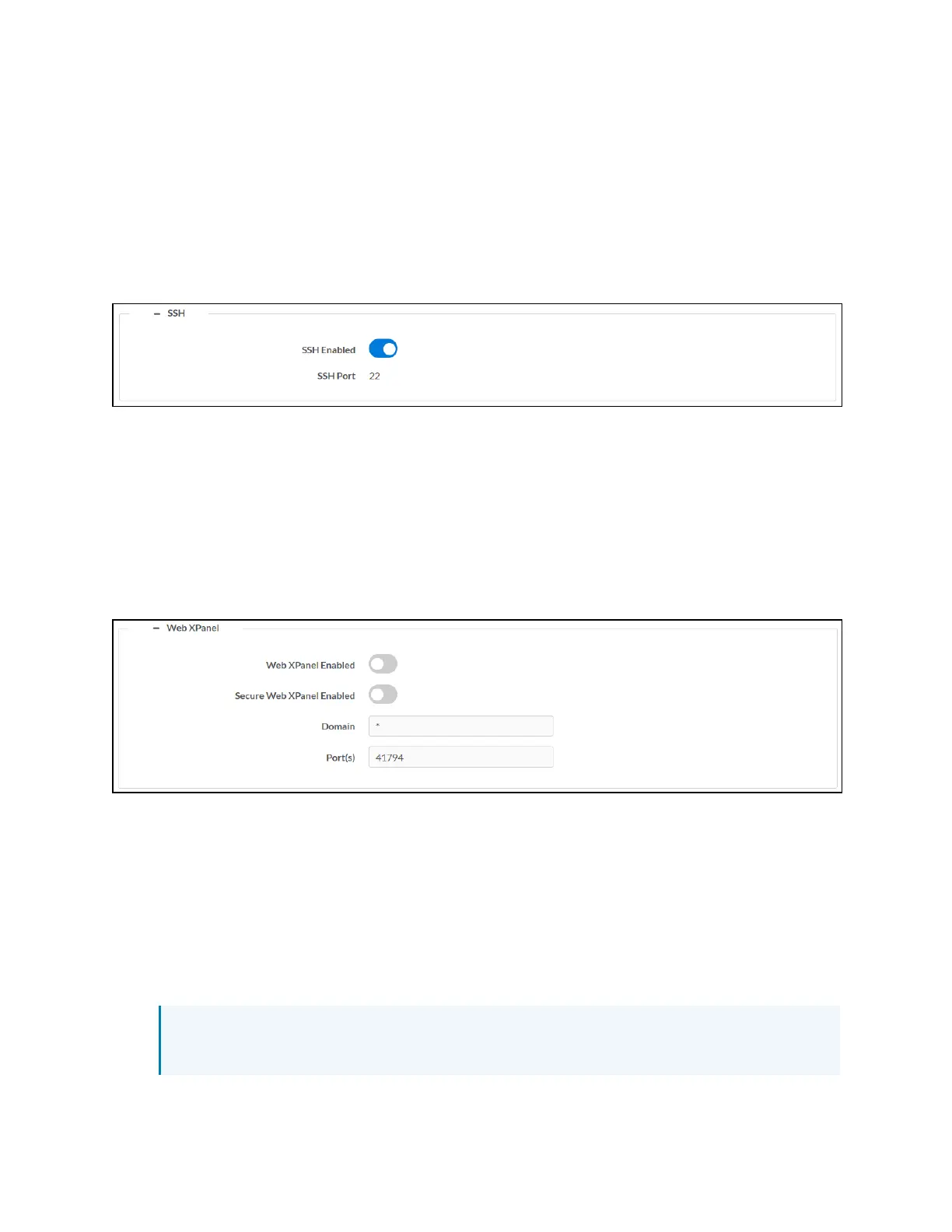
Select the + (plus)icon next to SSH to display the following SSH (Secure Shell)settings.
Settings Tab - System Setup (SSH)
l
Turn on the SSHEnabled toggle to turn on SSH for the control system.
l
If SSHEnabled is turned on, enter a port to use for the SSHprotocol in the SSHPort text
field. Port 22 is used by default.
Web XPanel
Select the + (plus)icon next to Web XPanel to display the following control system Web XPanel
settings.
Settings Tab - System Setup (Web XPanel)
l
Turn on the Web XPanel Enabled toggle to turn on the Web XPanel functionality for the
control system.
l
Turn on the Secure Web XPanel Enabled toggle to turn on a secure Web XPanel
connection for the control system. If this toggle is turned on, the Web XPanel can only
connect to the control system over encrypted TLS/SSL.
l
Enter a domain name for the Web XPanel in the Domain text field.
l
Enter one or more ports for the Web XPanel in the Port(s) text field. Port 41794 is used by
default.
NOTE:Enter "*"to open all ports for the Web XPanel. A range of ports can also be
specified.



 To Next Page