128 • 4-Series™ Control Systems Product Manual — Doc. 8559B
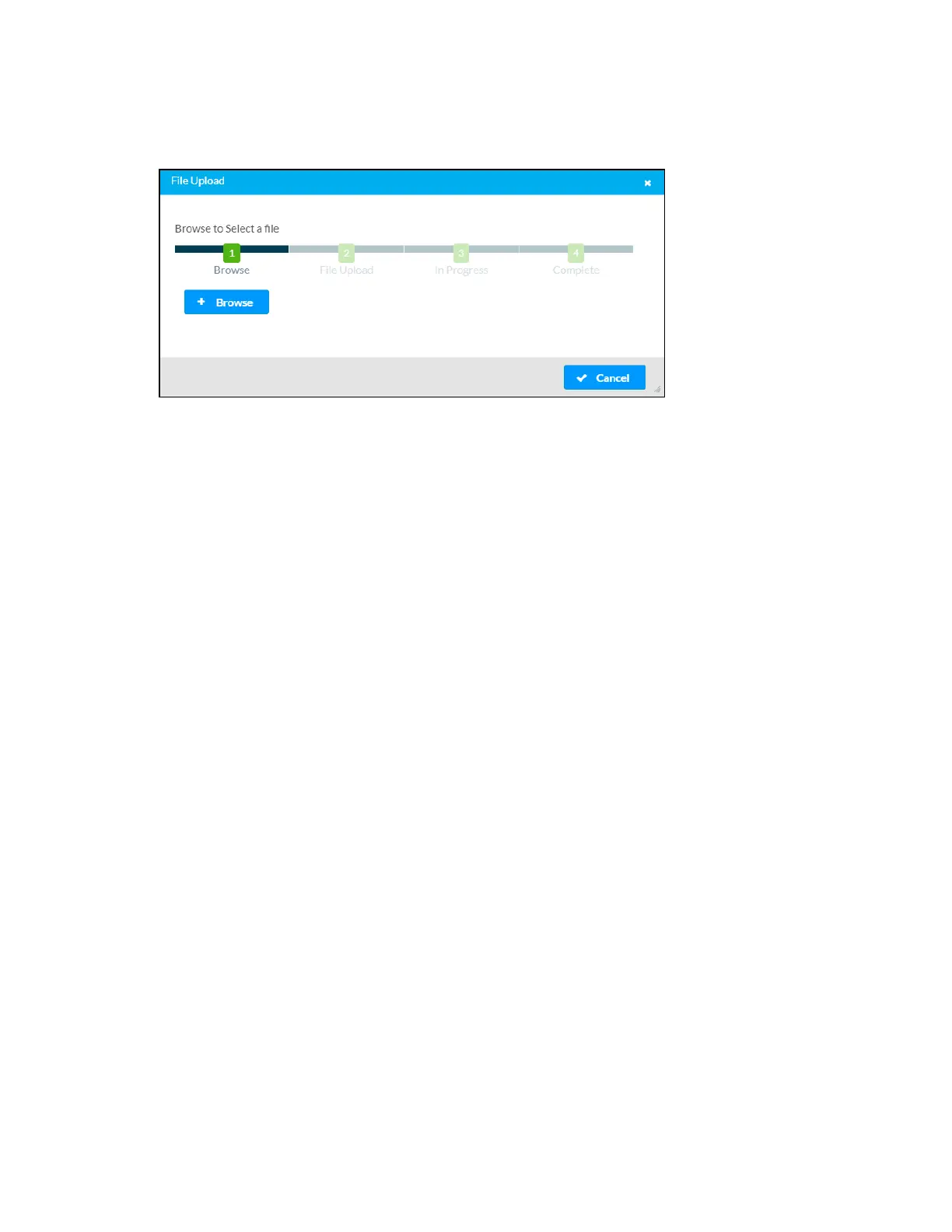
3. Select the Project File button. The File Upload dialog box is displayed.
File Upload Dialog Box
4. Select Browse, and then navigate to the projectfile on the host computer.
5. Select the projectfile, and then select Open.
6. Select Load to load the projectfile to the control system. The upload progress is shown in
the dialog box.
7. Once the control system has completed the project upload, select OK. The program will
appear in the Project Management table.



 To Next Page