Section 6B Page 2
Section 6B
Cutting Your Own Images - Vector Upload (.svg or .dxf files)
Cutting Your Own Images (cont.)
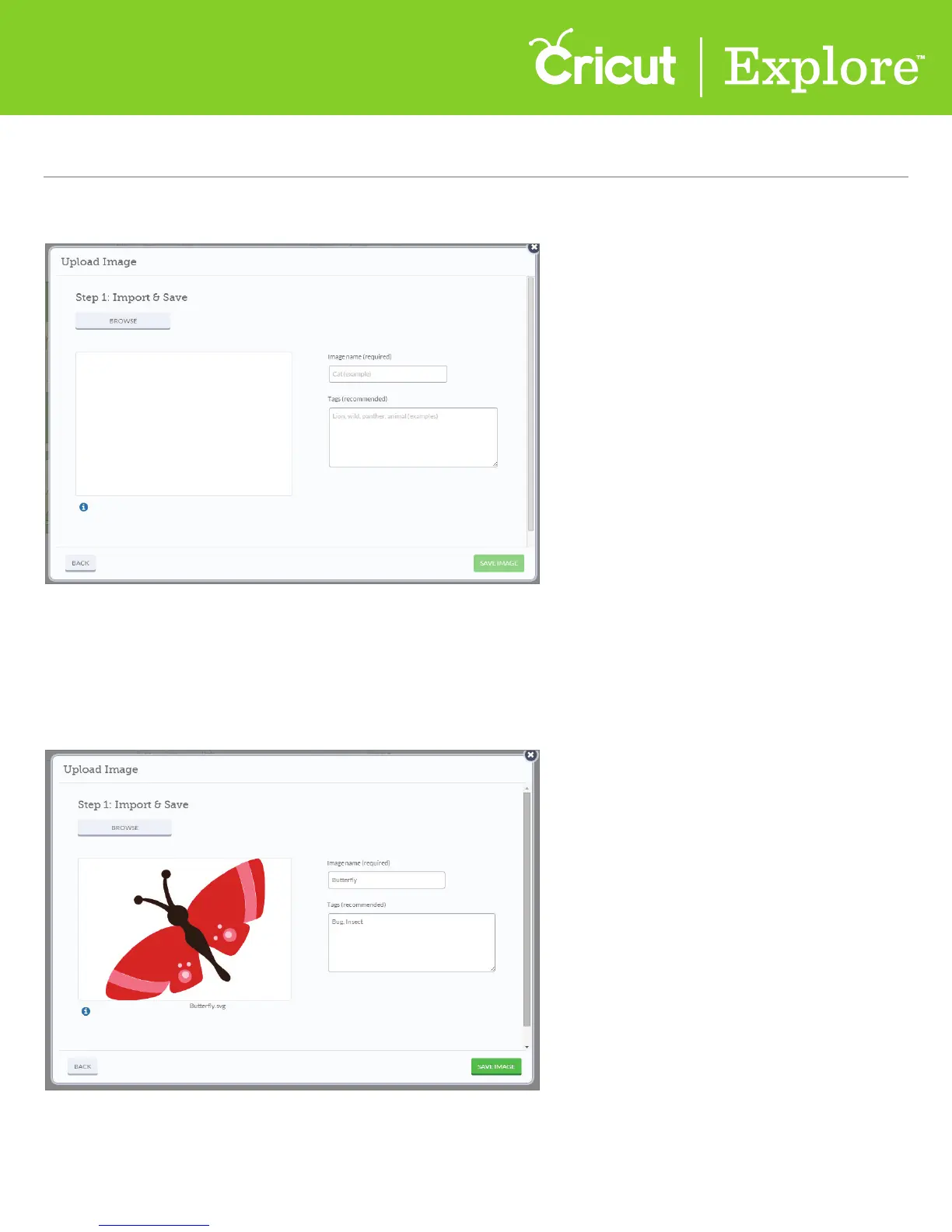
Step 3 Click “Browse” to find the image you want to use on your computer.
Tip: (Cricut Design Space
™
can work with files created from other design software. The files can include
solid colors or solid color fills, outlined text, or layers. However, layered images should always
remain ungrouped.)
Step 4 Name your image and tag it (if desired) for easy searching and click “Save image.”















 To Next Page