Working with Text/Edit Panel (cont.)
Section 8A
Working with Text/Edit Panel - Adding Text
Section 8A Page 3
Tips for working with text:
• Clicking out of the field will close the text field
• Double clicking on the text will open the text field again
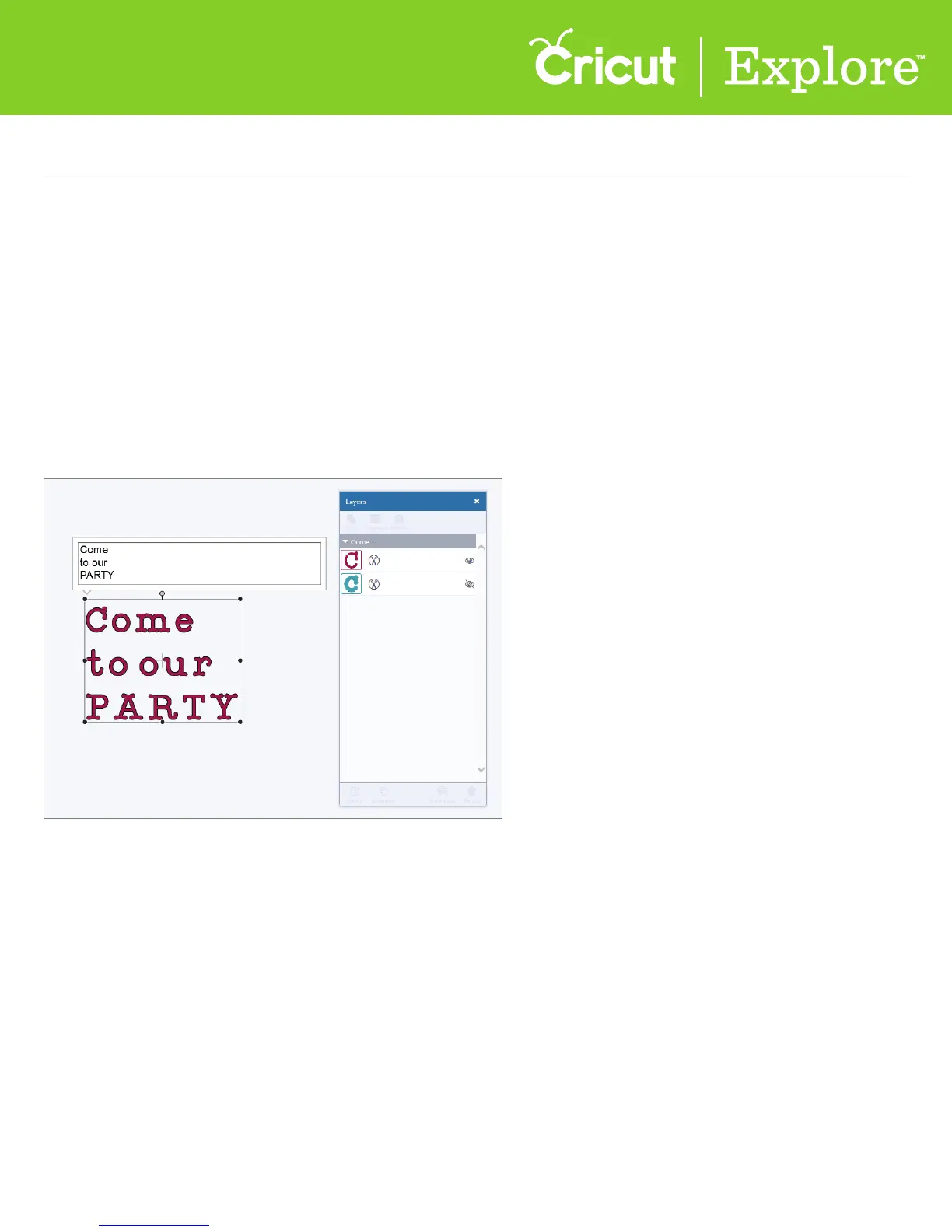
• You can have more than one line of text inside a text box; create line breaks using the enter
key on your keyboard
• Text boxes appear as an image group, meaning all letters and layers move and size together
• Size and move text just like you would an image
• Text boxes can only contain one font; however, you can add as many text boxes to a
project as desired
• Your text is represented by a thumbnail image of the first letter of the text in the layers panel















 To Next Page