Working with Text/Edit Panel (cont.)
Section 8A
Working with Text/Edit Panel - Adding Text
Section 8A Page 4
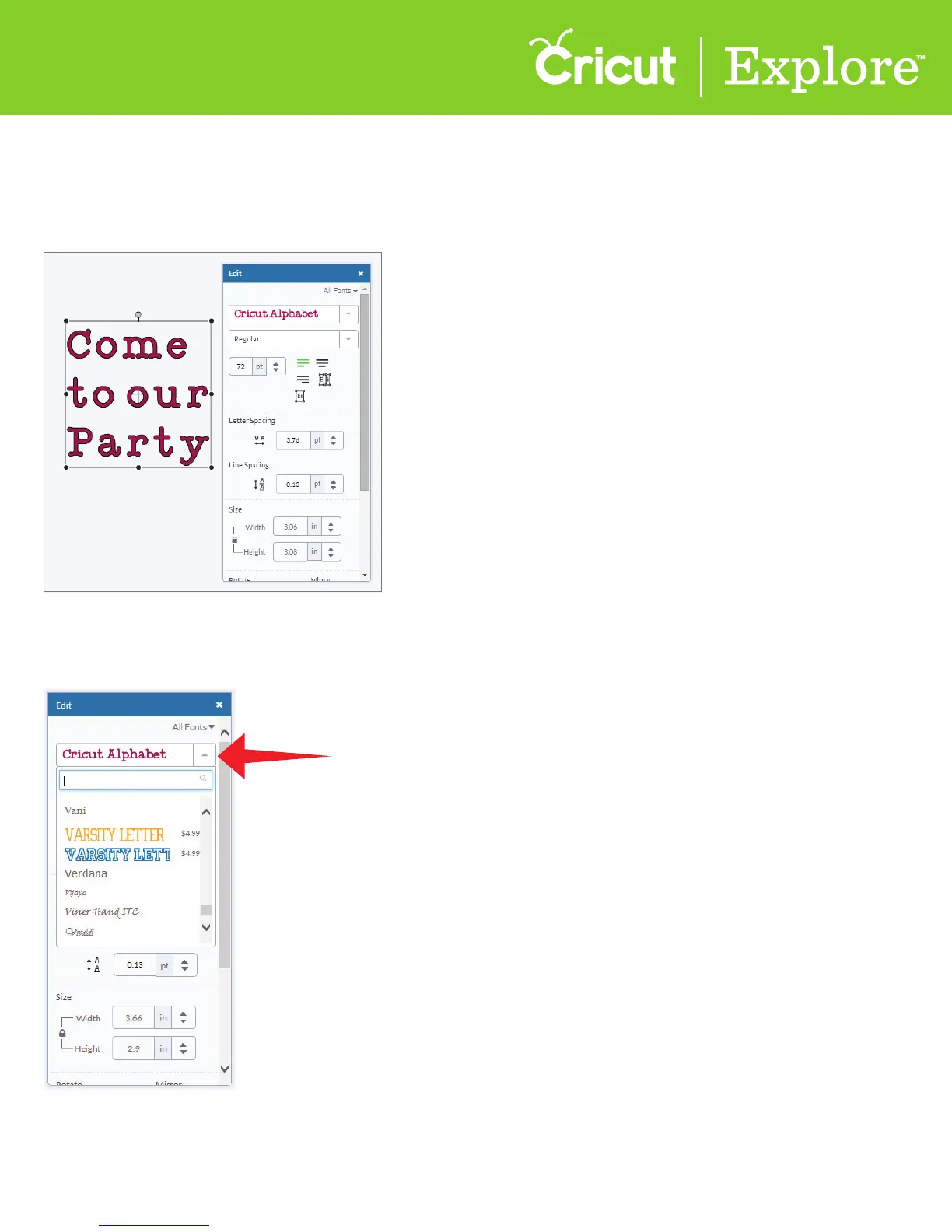
Step 3 To change the font, select the text box or layer and open the edit panel.
Tip: If a font has a price listed next to it, you can add the font to your design for free to see if you like
the look. If you use it in your final design, you will be asked to purchase the font prior to cutting.
Step 4 Click on the drop-down menu near the top of the Edit panel to open a list of all available
fonts. You can use Cricut
®
fonts as well as any font installed on your computer.















 To Next Page