Setting Up the AlterPath PM
26 AlterPath PM Installation, Administration, and User’s Guide
Optional Outlet Cable Package
The following cable packages can be ordered separately for the IEC PM
models:
• 8-outlet cables (C13 male to C14 female) (ACS0040).
• 10-outlet cables (C13 male to C14 female) (ACS00046).
Setting Up the AlterPath PM
You can mount the AlterPath PM on a rack or wall or place it on a desktop or
other flat surface. Two brackets are supplied with six Phillips screws for
attaching the brackets to the AlterPath PM for mounting.
• If you are not mounting the AlterPath PM, place the AlterPath PM on a
desk or table.
• If you are mounting the AlterPath PM, obtain a Phillips screwdriver and
appropriate nuts and bolts before starting the following procedure.
Note: When mounting an AlterPath PM 0U model to a wall stud, securely mount it
by using a #10 or larger screw or use a drywall fastener rated min. 25 lb (11.34
kg).
The following graphics depict the orientation of the brackets for front rack
mounting AlterPath PM.
CAB0198 US
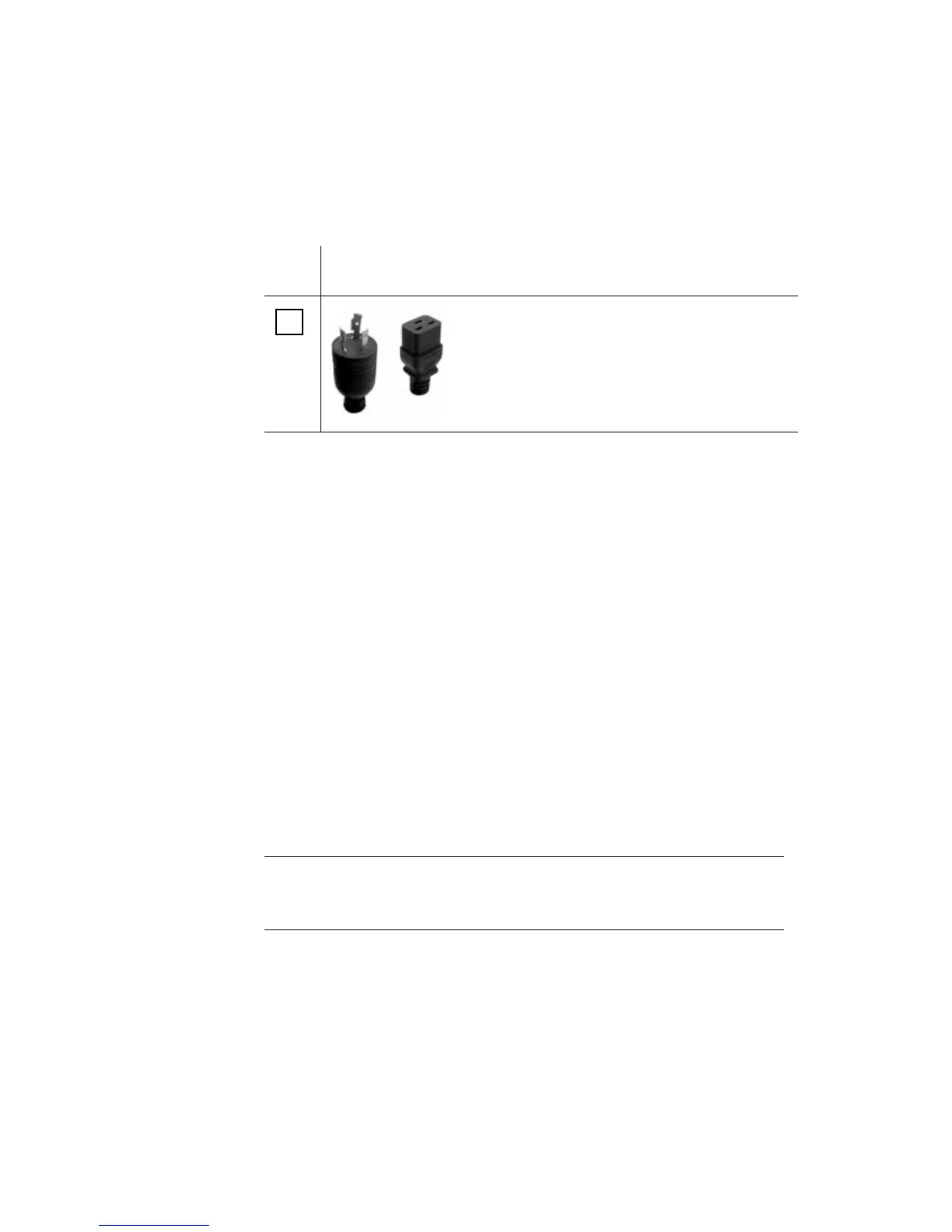
NEMA L5-20P
Table 2-5: AlterPath PM10i-20A and AlterPath PM 20i-20A
5
Cable P/N Type



 To Next Page