Installation 29
Setting Up the AlterPath PM
T To Mount the AlterPath PM8i, PM10, or PM10i
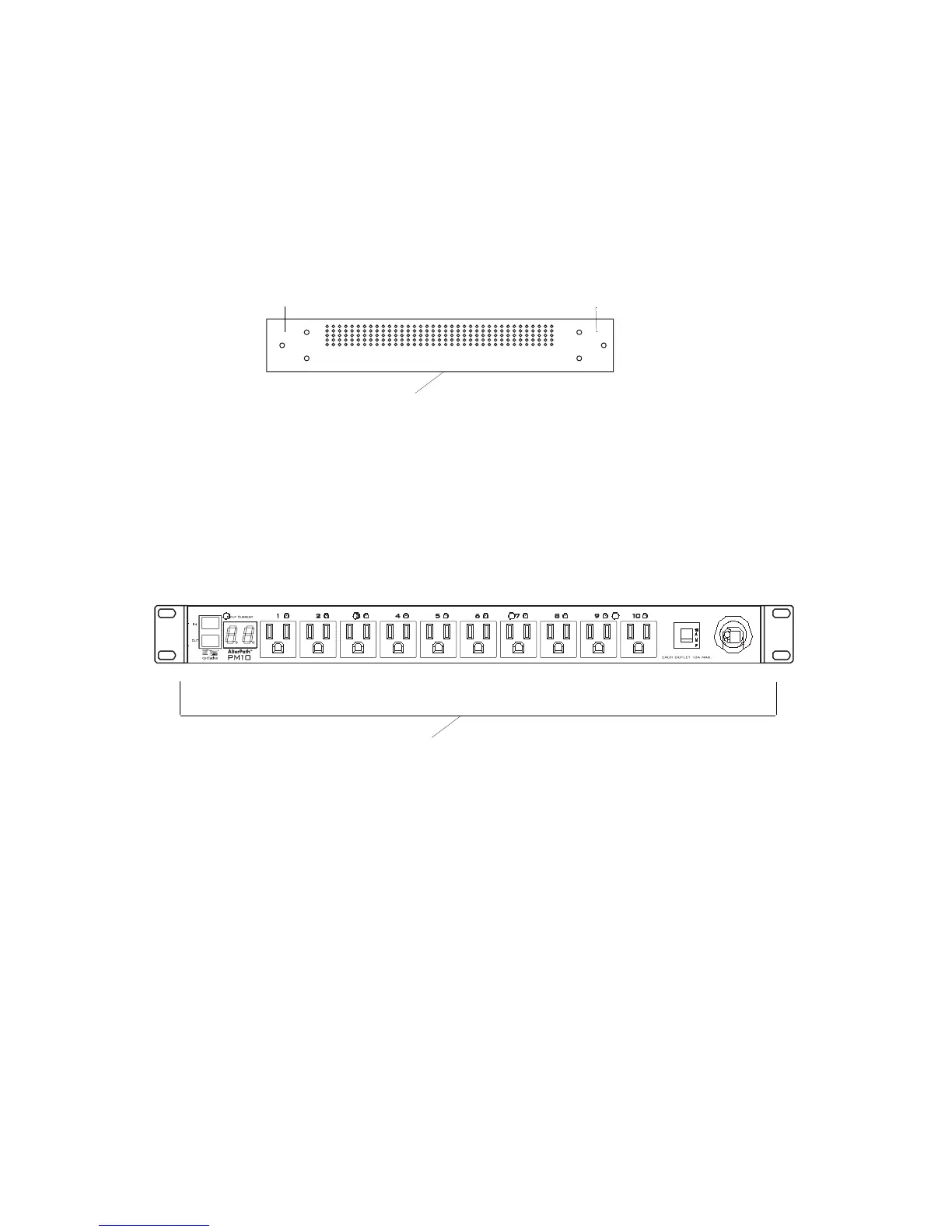
1. Locate the appropriate sets of holes on the PM.
Figure 2-11:Rack Mounting Holes on the AlterPath PM
2. Connect the two supplied brackets to the AlterPath PM, connecting one
bracket to each side of the box.
3. For each bracket, insert a screw through each of the three holes on the
bracket into the appropriate holes at either end of the AlterPath PM.
The following figure shows the bracket flanges on the front of the
AlterPath PM after the brackets are installed.
4. Use a Phillips screwdriver to tighten the screws.
5. Use the mounting hardware recommended for your rack to mount the
AlterPath PM on a rack as illustrated in the following graphic.
AlterPath PM side
Holes for front mounting
Holes for back mounting
Brackets



 To Next Page