ENGLISH
GB
31
The rotation speed may be set from the display or by an external signal
0-10V or PWM.
Regulation indicated for heating and conditioning plants with constant
ÀRZ
10.1.4 Regulation with Constant and Proportional Differential Pres-
sure depending on the Water Temperature
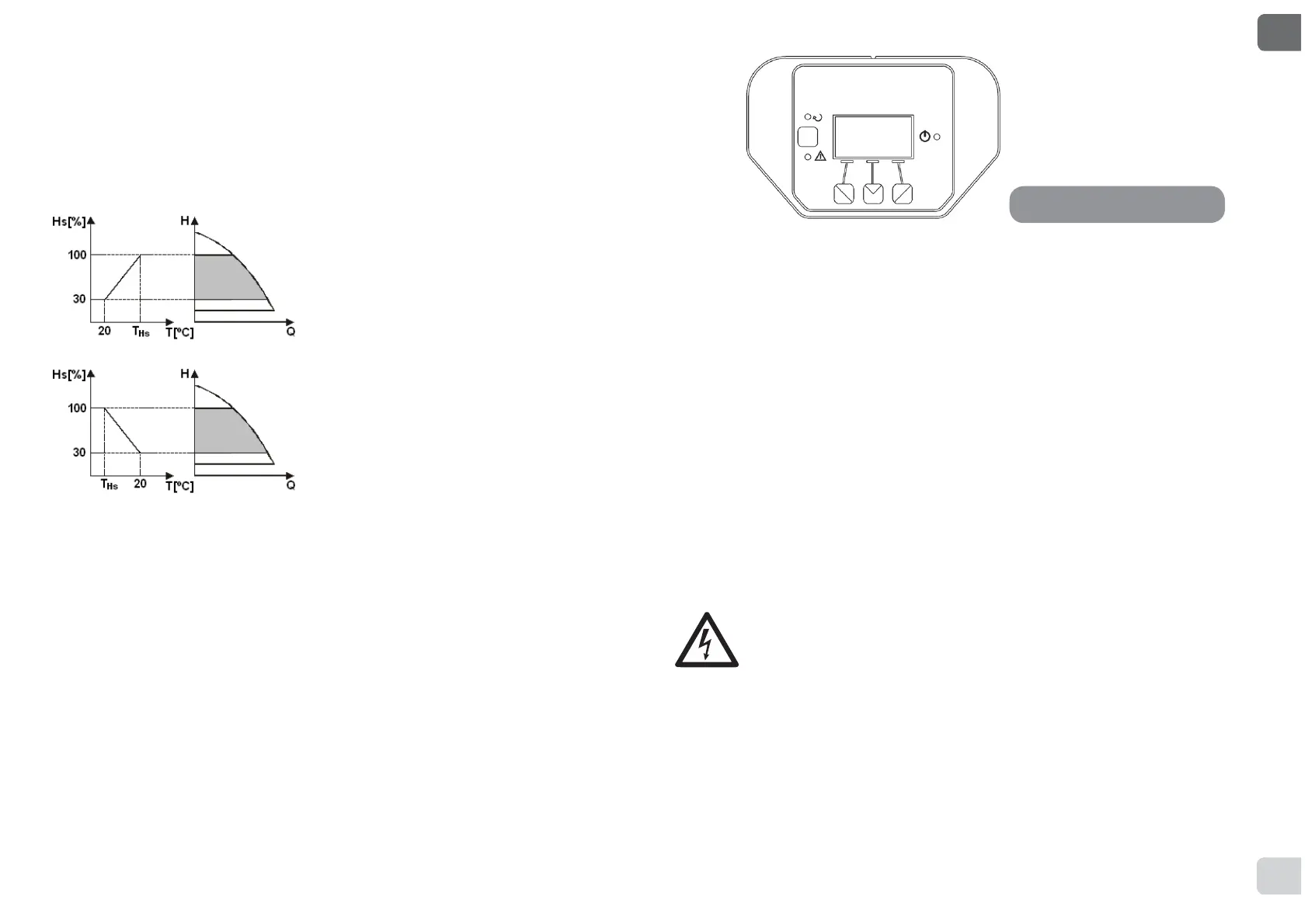
In this regulating mode the regulating set
point Hs is reduced or increased accor-
ding to the water temperature. THs may
be set from 0ºC to 100 ºC in order to al-
low operation in both heating and condi-
tioning plants.
Regulation indicated for:
- 3ODQWVZLWKYDULDEOH ÀRZWZRSLSHKH-
ating plants), where a further reduction
of the circulator performance is ensured
depending on the lowering of the tem-
perature of the circulating liquid, when
the demand for heating is lower.
- 3ODQWV ZLWK FRQVWDQW ÀRZ VLQJOHSLSH
DQG XQGHUÀRRU KHDWLQJ SODQWV ZKHUH
the circulator performance can be regu-
lated only by activating the temperature
LQÀXHQFHIXQFWLRQ
11. CONTROL PANEL
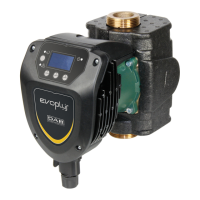
7KHIXQFWLRQVRI(923/86FLUFXODWRUVFDQEHPRGL¿HGE\PHDQVRIWKH
control panel on the cover of the electronic control device.
On the panel there are: a graphic display, 4 navigation keys and 3 LED
warning lights (see Figure 10).
11.1 Graphic Display
Using the graphic display it will be possible to navigate in an easy and
intuitive menu which will enable you to check and modify the system op-
erating mode, the enabling of the inputs and the working set-point. It will
also be possible to view the system status and the log of any alarms
memorised by the system.
11.2 Navigation Buttons
4 buttons are provided for navigating in the menu: 3 buttons under the
display and 1 at the side. The buttons under the display are called active
buttons and the one at the side is called hidden button.
Each page of the menu is made in such a way as to indicate the function
associated with the 3 active buttons (the ones under the display).
11.3 Warning Lights
<HOORZOLJKW: System live signal.
If lit, it means that the system is live.
Never remove the cover if the yellow light is lit.
Red light: Warning of an alarm/malfunction present in the system.
If the light is blinking it is a non-blocking alarm and the pump can still be
FRQWUROOHG,IWKHOLJKWLV¿[HGLWLVDEORFNLQJDODUPDQGWKHSXPSFDQQRW
be controlled.
Green light: Pump ON/OFF signal.
if lit, the pump is running. If off, the pump is stopped.
Figure 10: Control panel



 To Next Page
 Loading...