Enter/Exit Programming Mode
260
PowerScan™ PD9531-AR/PBT9501-AR/PM9501-AR
FUNCTION KEYS CONFIGURATION (16-KEY MODELS ONLY)
Function Keys F3 through F5 are available on 16-key models only. For more
16-key programming, see "Additional Features for 16-key models" on
page 265.
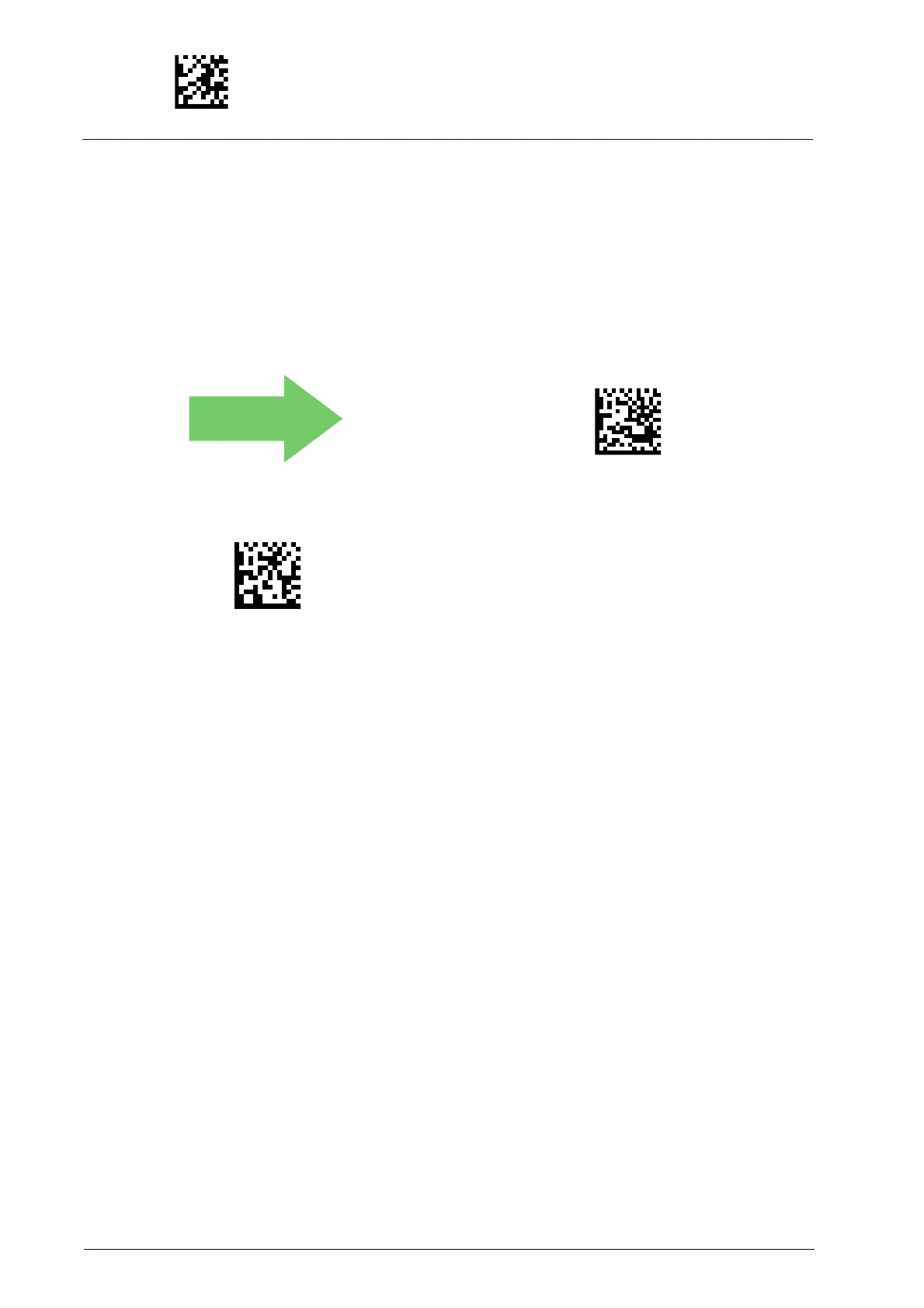
F3 No Actions Configured
Configure Actions for F3
To configure this feature, scan the ENTER/EXIT
PROGRAMMING MODE bar code above, then the bar
code for the Function Key you want to program. Next
scan 4 digits from the Alphanumeric characters in
Appendix D, Keypad
.
The first digit must be 0; the following 3 digits must
be confi
gured according to the CMD_ID numbers in
Table 27 on page 257
. End by scanning the
ENTER/EXIT bar code again.
Configure Actions for F3 (16-key models only)


 To Next Page
 Loading...