V0817, 1.5
Information panel
In the information panel all functions and visualisation related to the selected modus are
displayed and can be found.
Command panel
The command panel is part of the Information panel and is the location where the controls
related to the Information panel can be found.
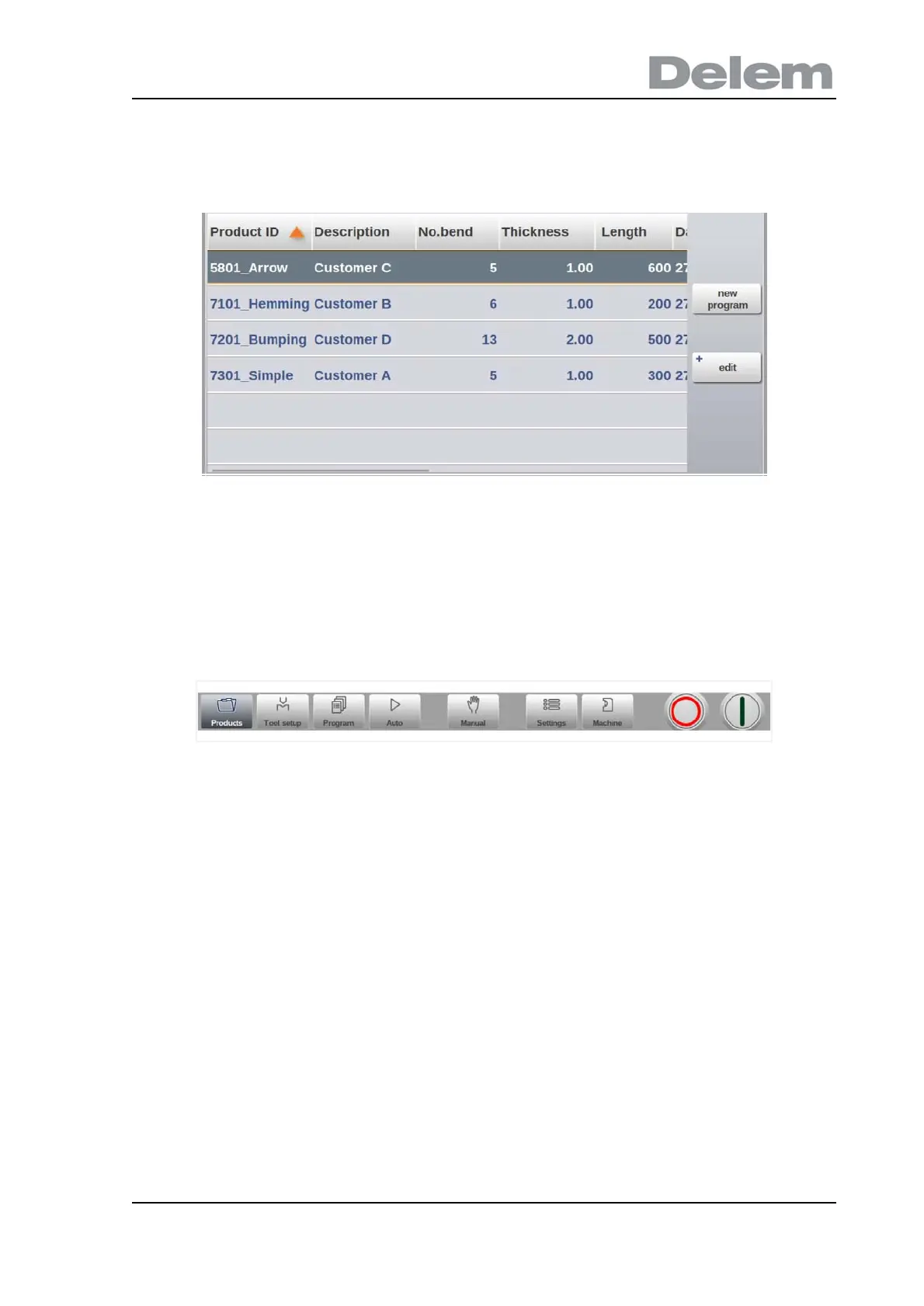
Navigation panel
The Navigation panel is the area where all the major modes can be found. This area is always
visible. The controls, large buttons with icons, can be used to directly switch from one mode to
the other.



 To Next Page