Configuring Captive Portal 437
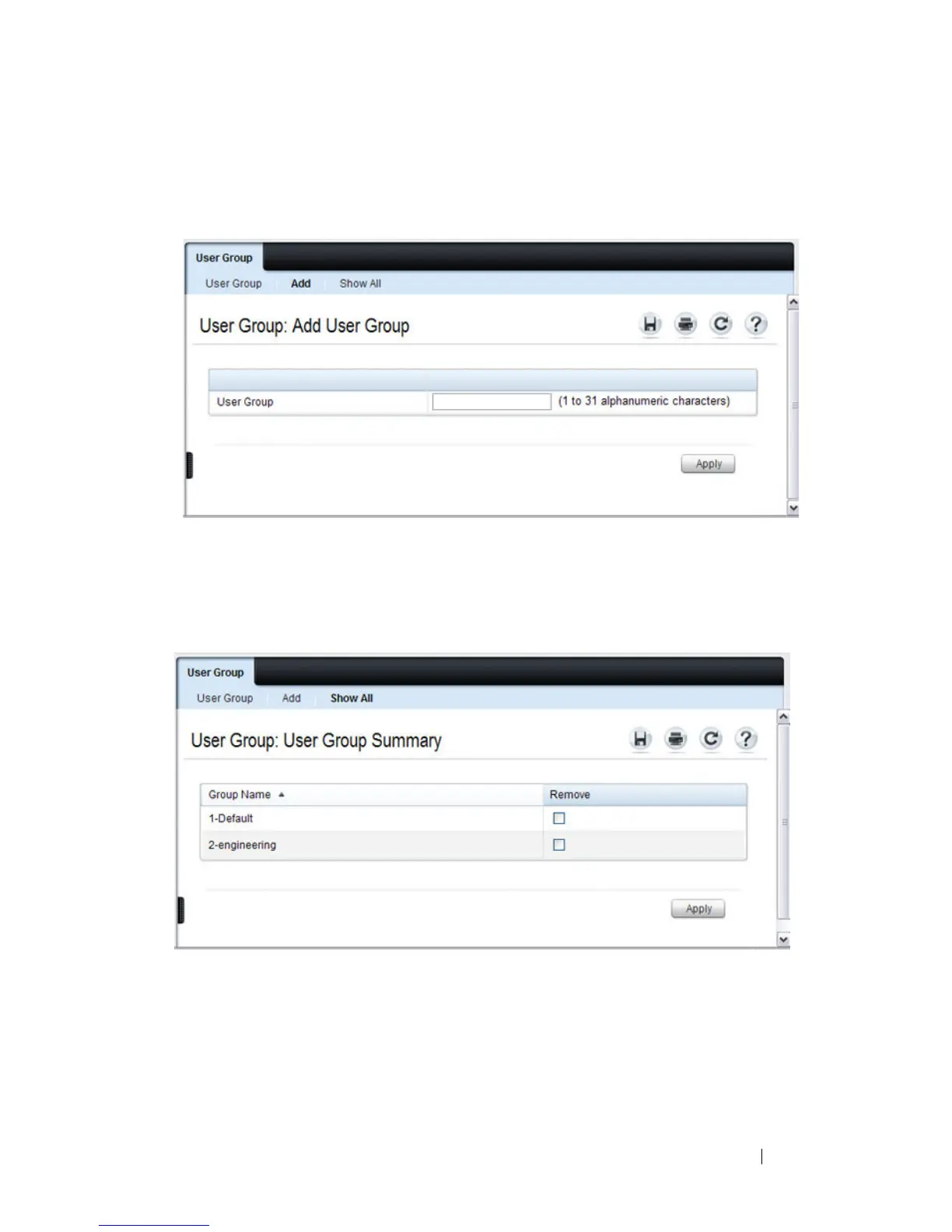
From the User Group page, click Add to configure a new user group.
Figure 17-16. Add User Group
From the User Group page, click Show All to view summary information
about the user groups configured on the switch.
Figure 17-17. Captive Portal User Group Summary
To delete a configured group, select the Remove check box associated with
the group and click Apply.






 To Next Page