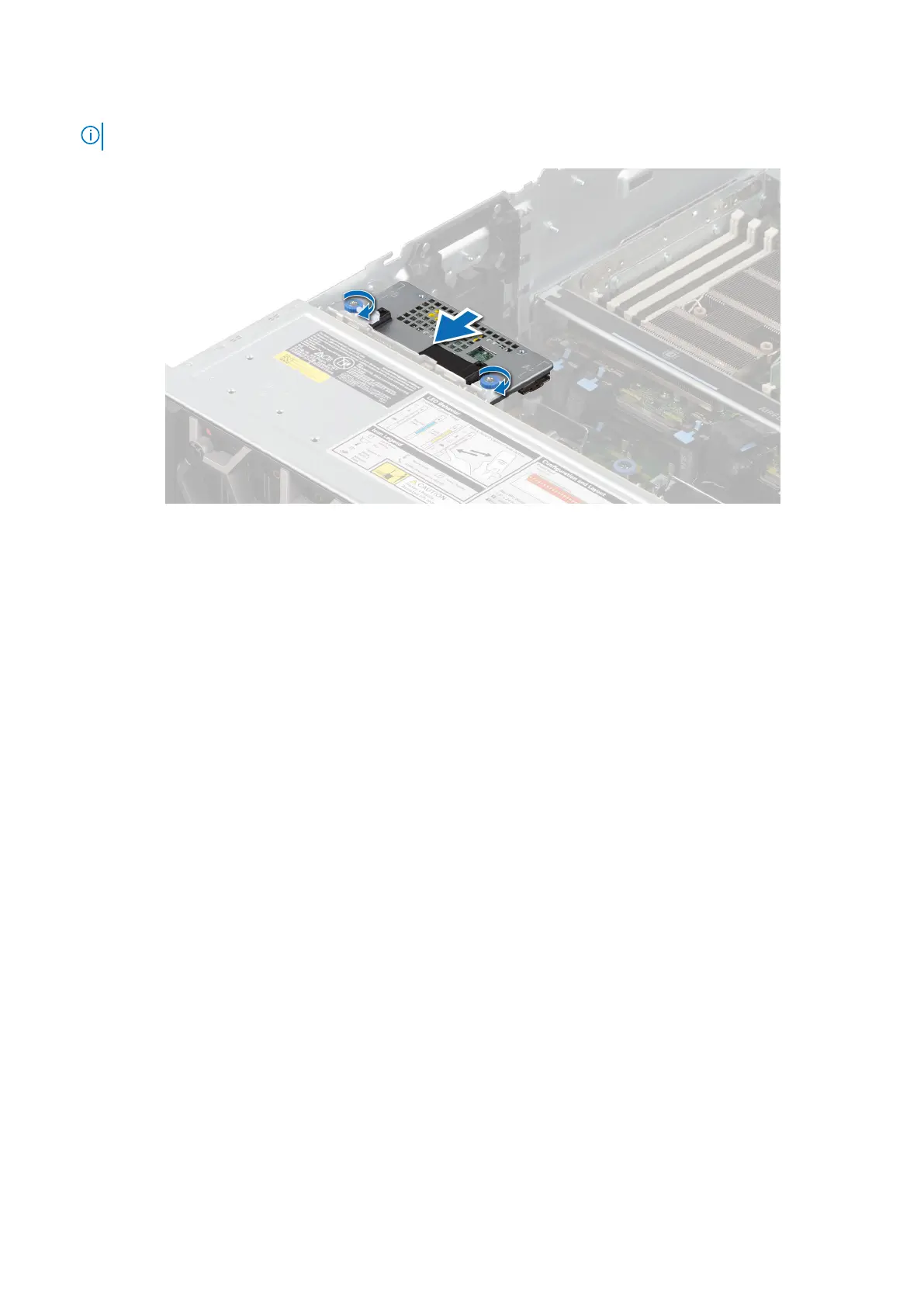
3. Using a Phillips #2 screwdriver, tighten the captive screws on the rear mounting front PERC module.
NOTE: The numbers on the image do not depict the exact steps. The numbers are for representation of sequence.
Figure 75. Installing the rear mounting front PERC module
Next steps
1. Connect the cables, observe the cable routing.
2. If removed, install the PEM.
3. If removed, install the air shroud or install the GPU air shroud.
4. Install the cooling fan cage assembly.
5. Install the air shroud top cover.
6. Install the support bar.
7. Follow the procedure listed in After working inside your system.
System memory
System memory guidelines
The PowerEdge R960 system supports DDR5 registered DIMMs (RDIMMs).
Your system memory is organized into eight channels per processor (two memory sockets per channel), 16 memory sockets per
processor and 64 memory sockets (32 sockets each on system board and PEM) per system.
110
Installing and removing system components














 To Next Page