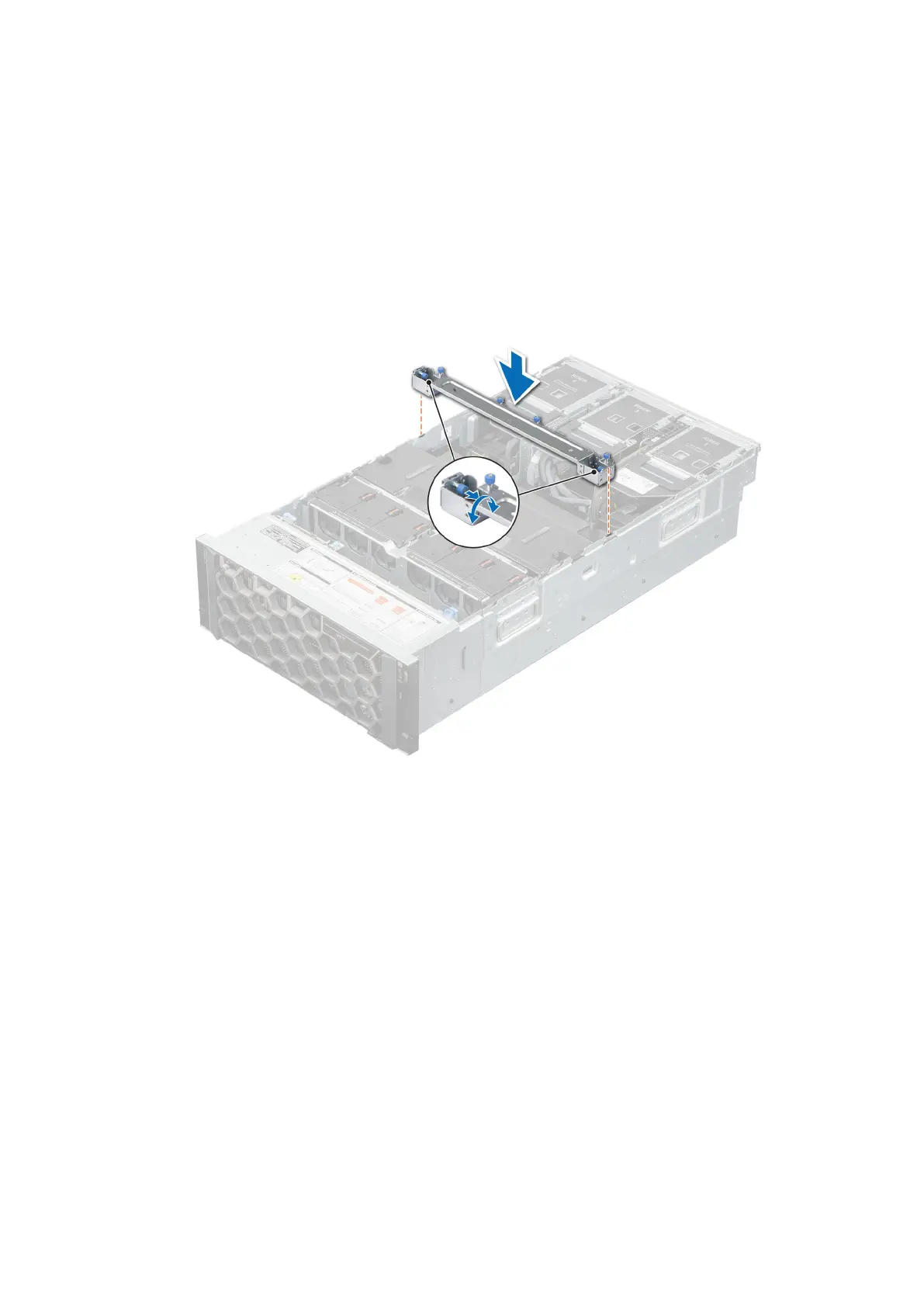
Installing the support bar
Prerequisites
1. Follow the safety guidelines listed in the Safety instructions.
2. Follow the procedure listed in Before working inside your system.
Steps
1. Lower and align the support bar tabs with the guide slots on the system.
2. Rotate the plunger to the lock support bar into the system.
3. If full-length risers are installed, and then tighten the captive screws on the support bar that hold the risers.
Figure 32. Installing the support bar with half length risers
Installing and removing system components
73














 To Next Page