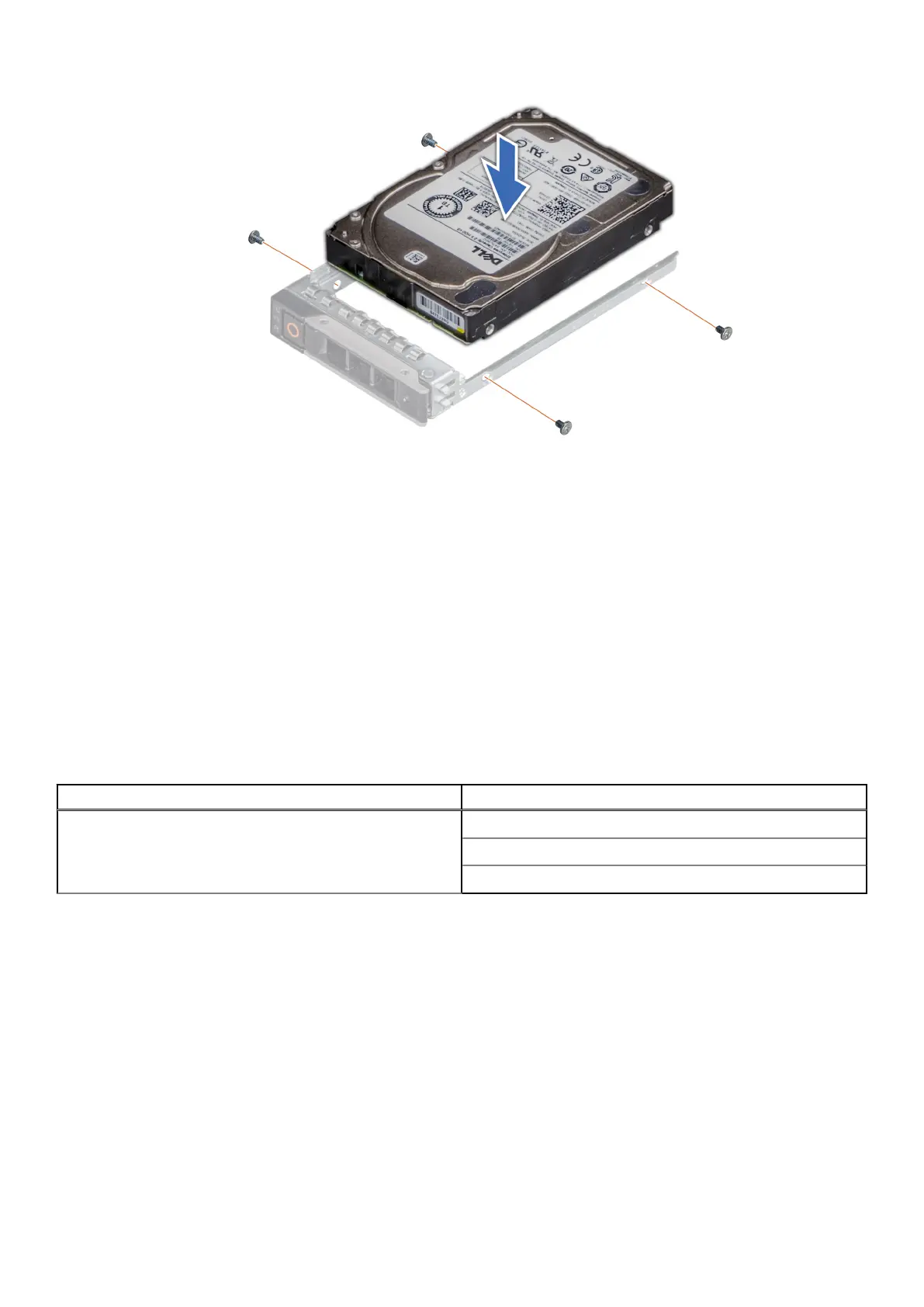
Figure 51. Installing a drive into the drive carrier
Next steps
1. Install the drive carrier.
Drive backplane
This is a service technician replaceable part only.
Drive backplane
Depending on your system configuration, the drive backplanes that are supported are listed here:
Table 65. Supported backplane options
System Supported drive backplanes
PowerEdge R960
2.5-inch (x 8) NVMe backplane
2.5-inch (x 8) SAS, or SATA backplane
2.5-inch (x 24) NVMe backplane
90 Installing and removing system components














 To Next Page