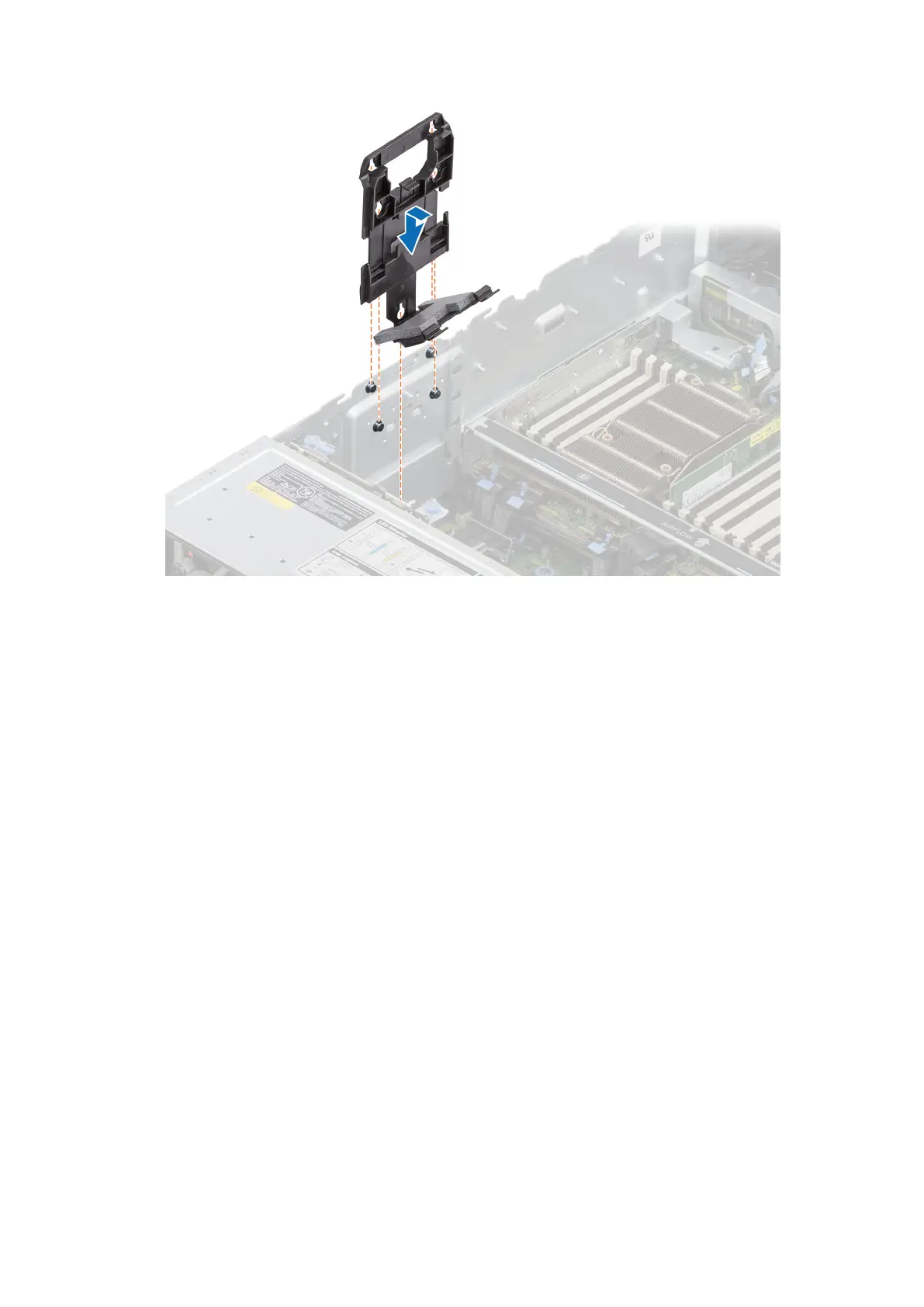
Figure 58. Installing the side wall bracket
Next steps
1. If removed, install the air shroud or install the GPU air shroud.
2. Install the cooling fan cage assembly.
3. Install the air shroud top cover.
4. Install the support bar.
5. Follow the procedure listed in the After working inside your system.
96
Installing and removing system components














 To Next Page