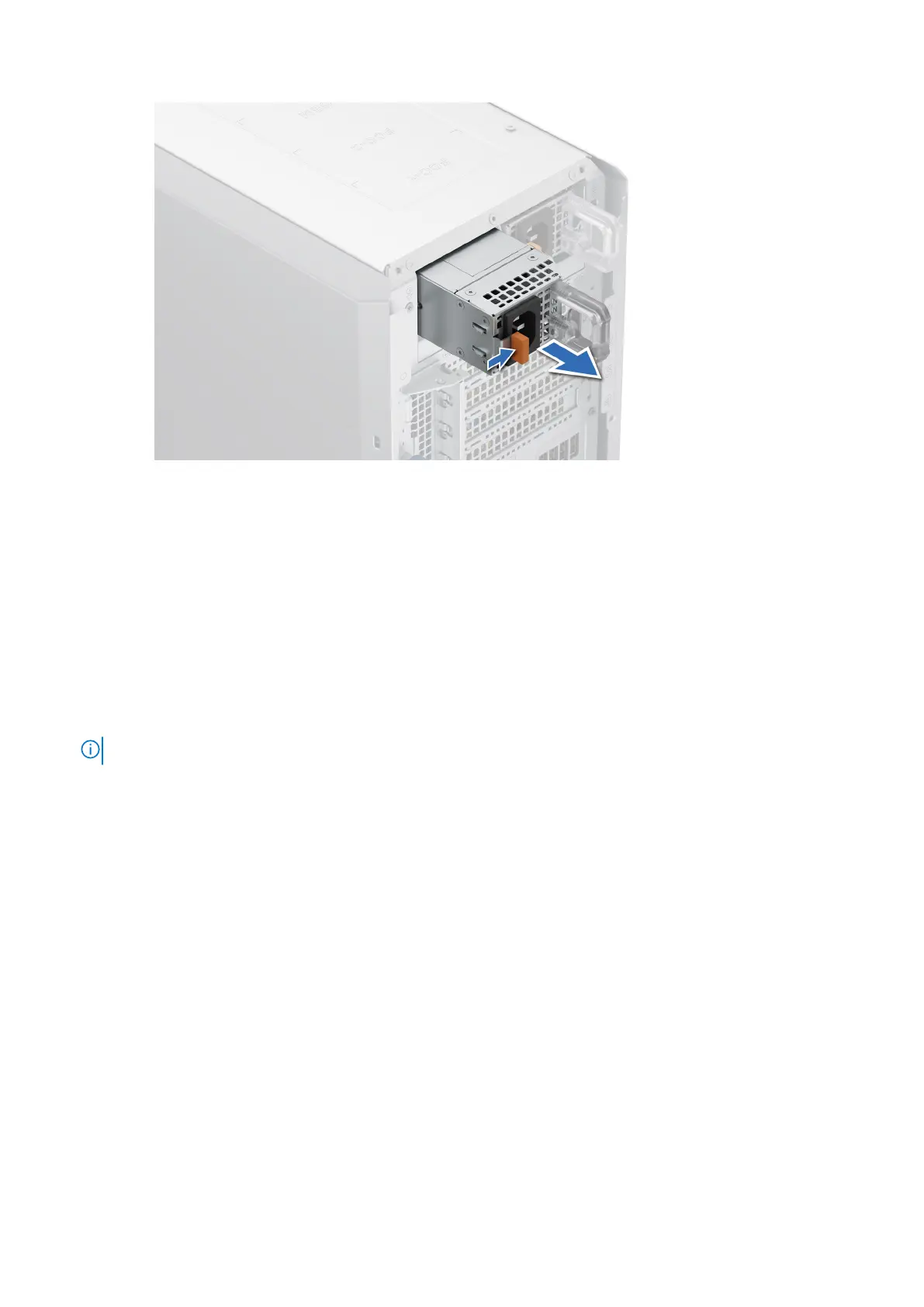
Figure 78. Removing a power supply unit
Next steps
Replace the PSU or install the PSU blank.
Installing a power supply unit
Prerequisites
1. Follow the safety guidelines listed in the Safety instructions.
2. For systems that support redundant PSU, ensure that both the PSUs are of the same type and have the same maximum
output power.
NOTE: The maximum output power (shown in watts) is listed on the PSU label.
3. Remove the PSU blank.
Steps
Slide the PSU into the PSU bay until the release latch snaps into place.
110
Installing and removing system components














 To Next Page