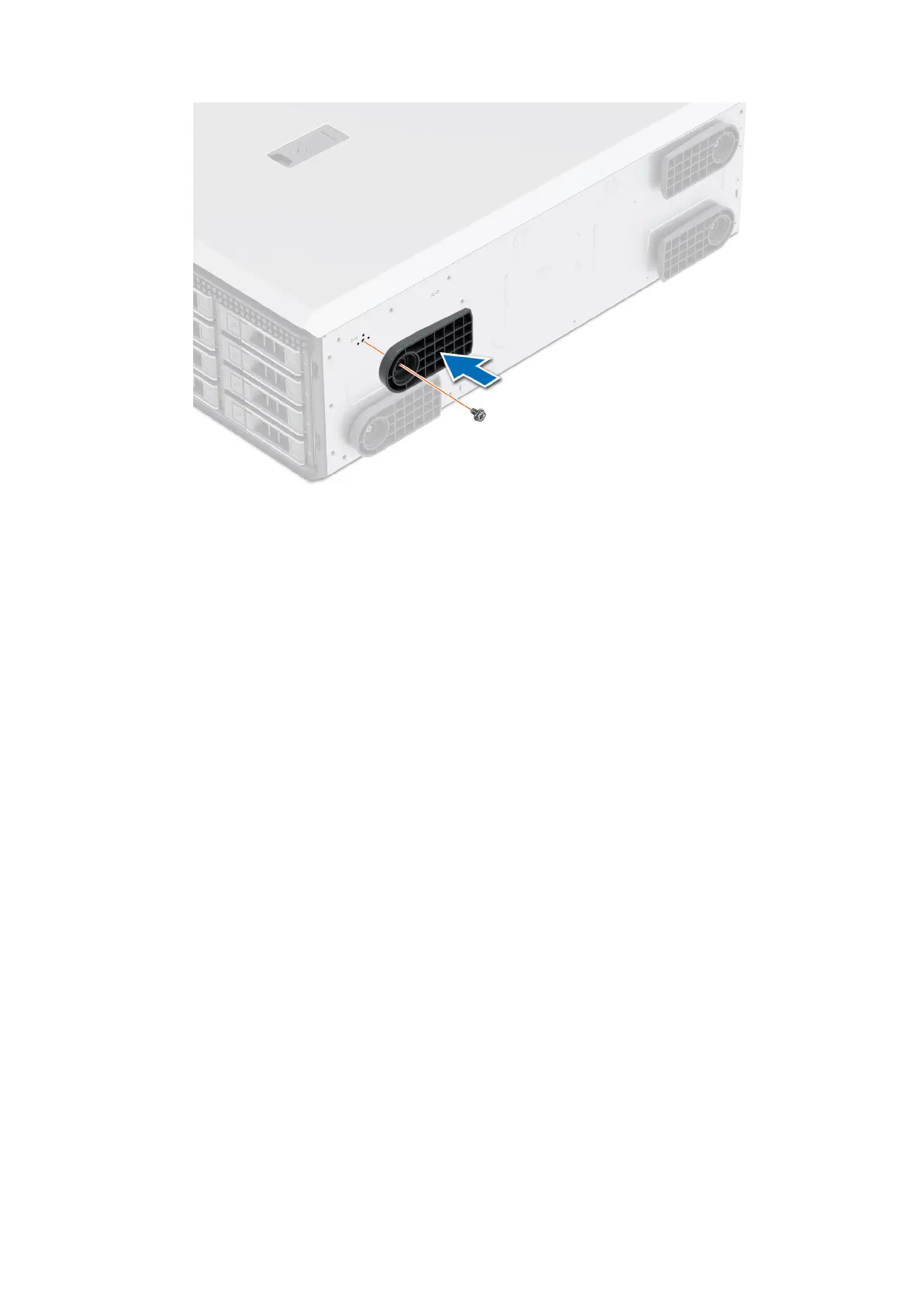
Figure 15. Installing the system feet
Next steps
1. Place the system upright on a flat, stable surface, and rotate the system feet outward.
2. Follow the procedure listed in After working inside your system.
System cover
Removing the system cover
Prerequisites
1. Follow the safety guidelines listed in Safety instructions.
2. Power off the system, and any attached peripherals.
3. Disconnect the system from the electrical outlet and peripherals.
4. If installed, remove the front bezel.
Steps
1. Use a 1/4-inch flat head or a Phillips 2 screwdriver to turn the cover release latch lock counterclockwise to the unlock
position.
2. Lift the release latch until the system cover slides back.
3. Lift the cover from the system.
Installing and removing system components
57














 To Next Page