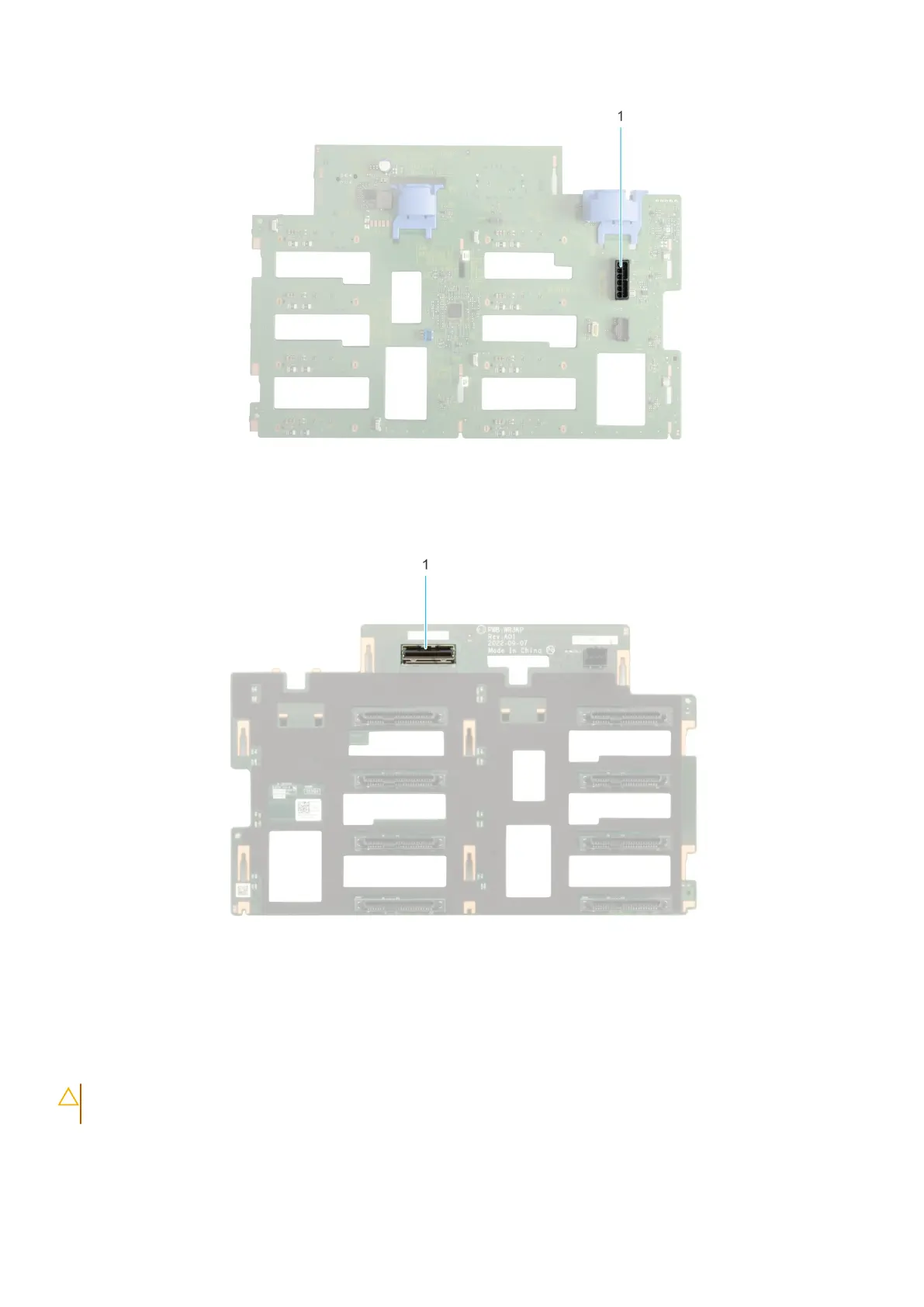
Figure 38. 8 x 3.5-inch drive backplane (front)
1. BP_DST_SA1 (SAS/SATA connector)
Figure 39. 8 x 3.5-inch drive backplane (rear)
1. BP_PWR_1 (backplane power connector)
Removing the drive backplane
Prerequisites
CAUTION:
Note the number of each drive and temporarily label them before you remove the drive so that you
can replace them in the same location.
1. Follow the safety guidelines listed in Safety instructions.
2. Follow the procedure listed in Before working inside your system.
3. Remove the front bezel.
Installing and removing system components
79














 To Next Page