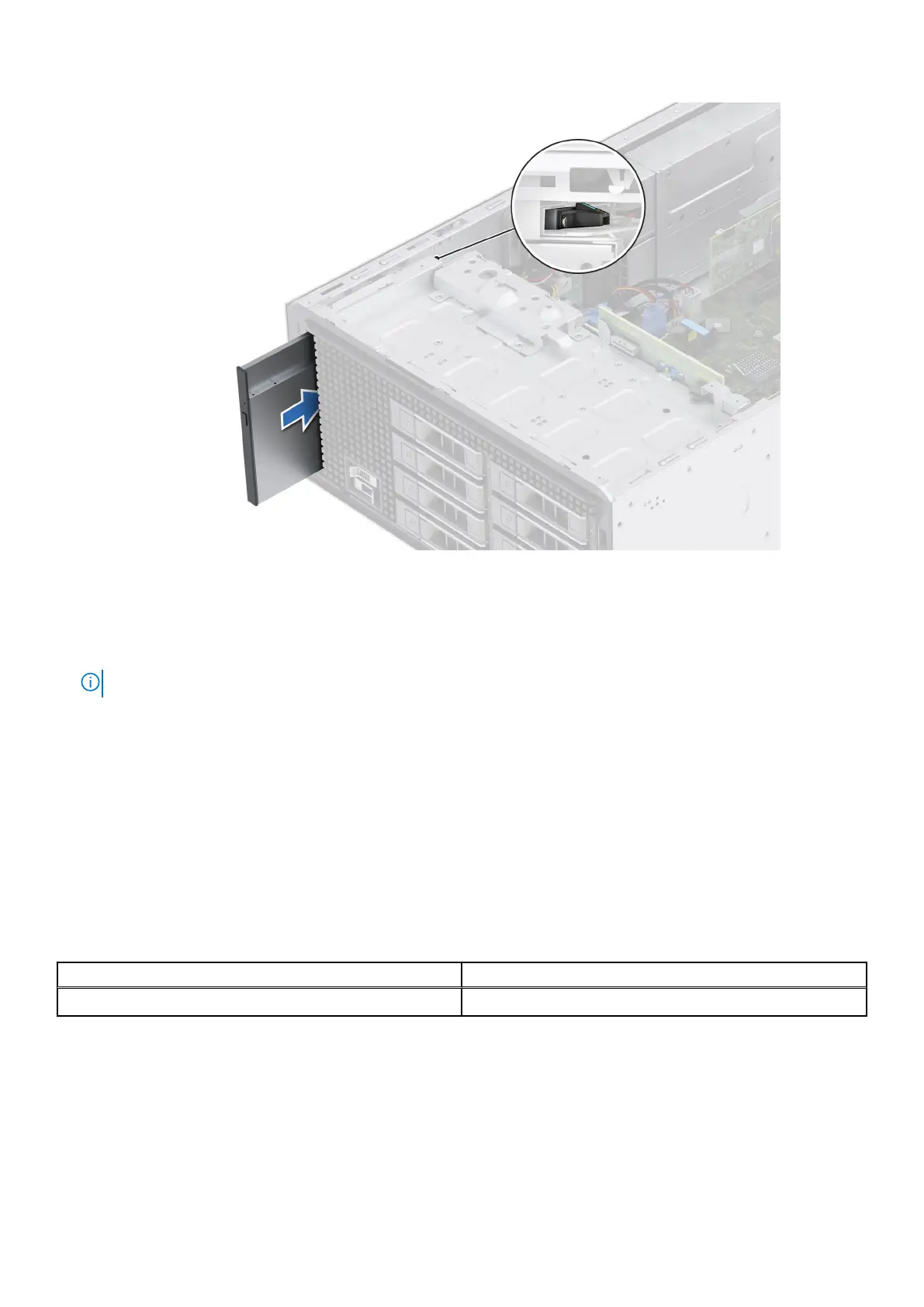
Figure 37. Installing the optical drive
Next steps
1. Connect the power cable and the data cable to the optical drive.
NOTE: Route the cables properly to prevent them from being pinched or crimped.
2. Install the front bezel.
3. Follow the procedure that is listed in After working inside your system.
Drive backplane
This is a service technician replaceable part only.
Drive backplane
Depending on your system configuration, the drive backplanes supported are listed here:
Table 57.
Supported backplane option
System Supported hard drives options
PowerEdge T360 Up to 8 x 3.5-inch SAS/SATA (HDD/SSD) backplane
78 Installing and removing system components














 To Next Page