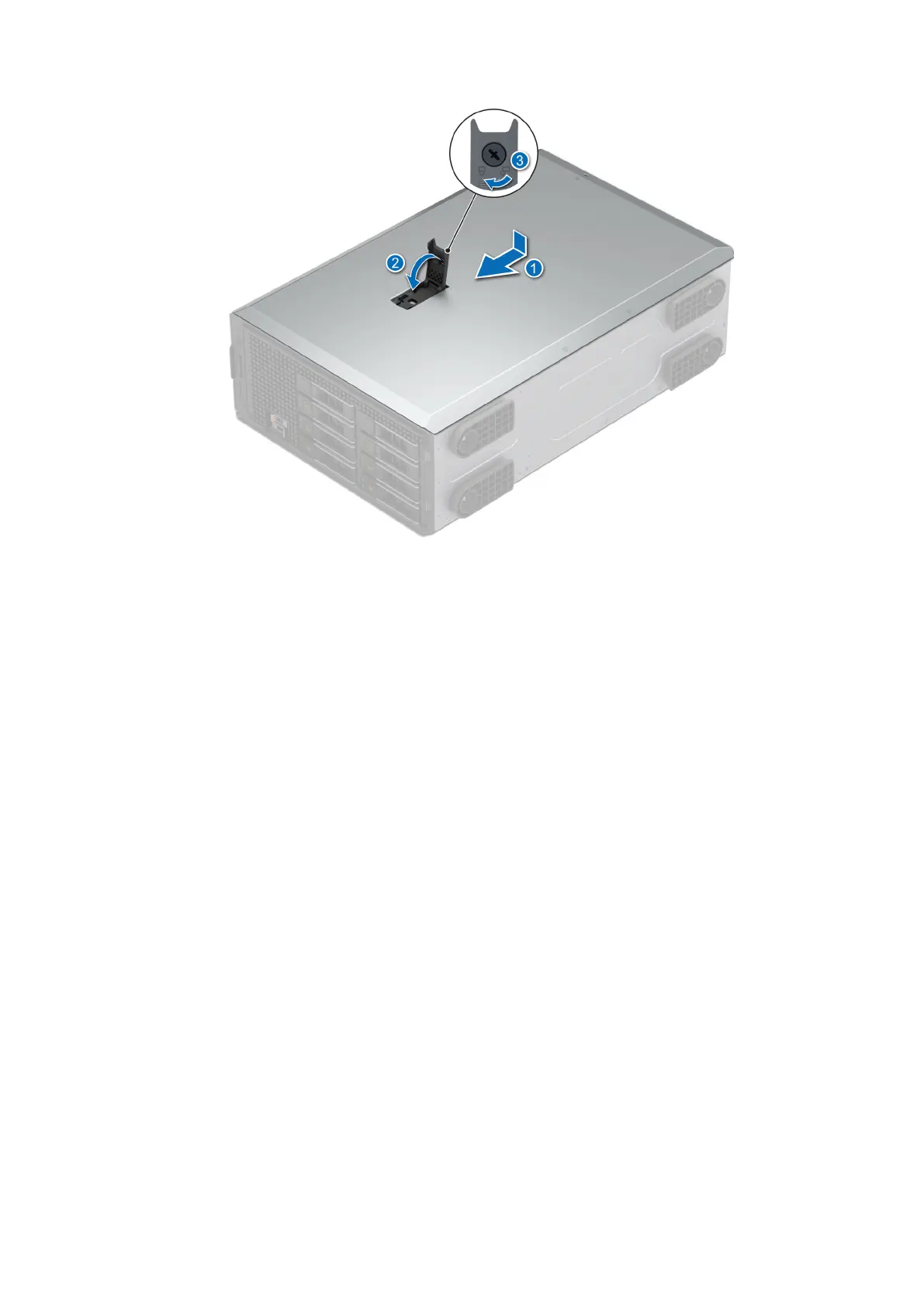
Figure 17. Installing the system cover
Next steps
1. If removed, install the front bezel.
2. Reconnect the peripherals and connect the system to the electrical outlet.
3. Power on the system, including all attached peripherals.
Installing and removing system components
59














 To Next Page