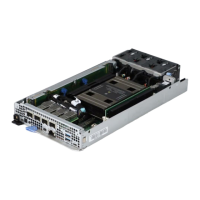
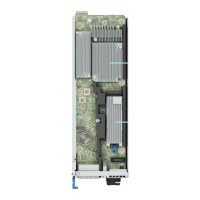
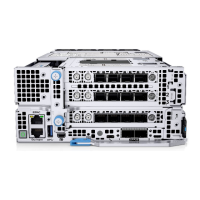
Figure 121. Installing the OCP riser
Next steps
1. Install the OCP card.
2. Follow the procedure listed in After working inside your system.
Removing an OCP card
Prerequisites
1. Follow the safety guidelines listed in Safety instructions.
2. Follow the procedure listed in Before working inside your system.
3. Remove the system cover.
Steps
Lift the blue retention latch lock to release the OCP card. Slide the OCP card out from the OCP riser.
146
Installing and removing system components


 To Next Page
 Loading...