About Your Computer 37
SPEAKERS — To adjust the volume of the integrated speakers, press the media
control buttons or speaker-volume keyboard shortcuts. For more information, see
"Speaker Functions" on page 77.
TOUCH PAD BUTTONS — Touch pad buttons provide the same functionality as mouse
buttons.
KEYBOARD — The keyboard includes a numeric keypad as well as the Microsoft
Windows logo key. For information on supported keyboard shortcuts, see "Key
Combinations" on page 76.
B
ATTERY CONSERVATION BUTTON — Press the battery conservation button to
change the battery optimization modes.
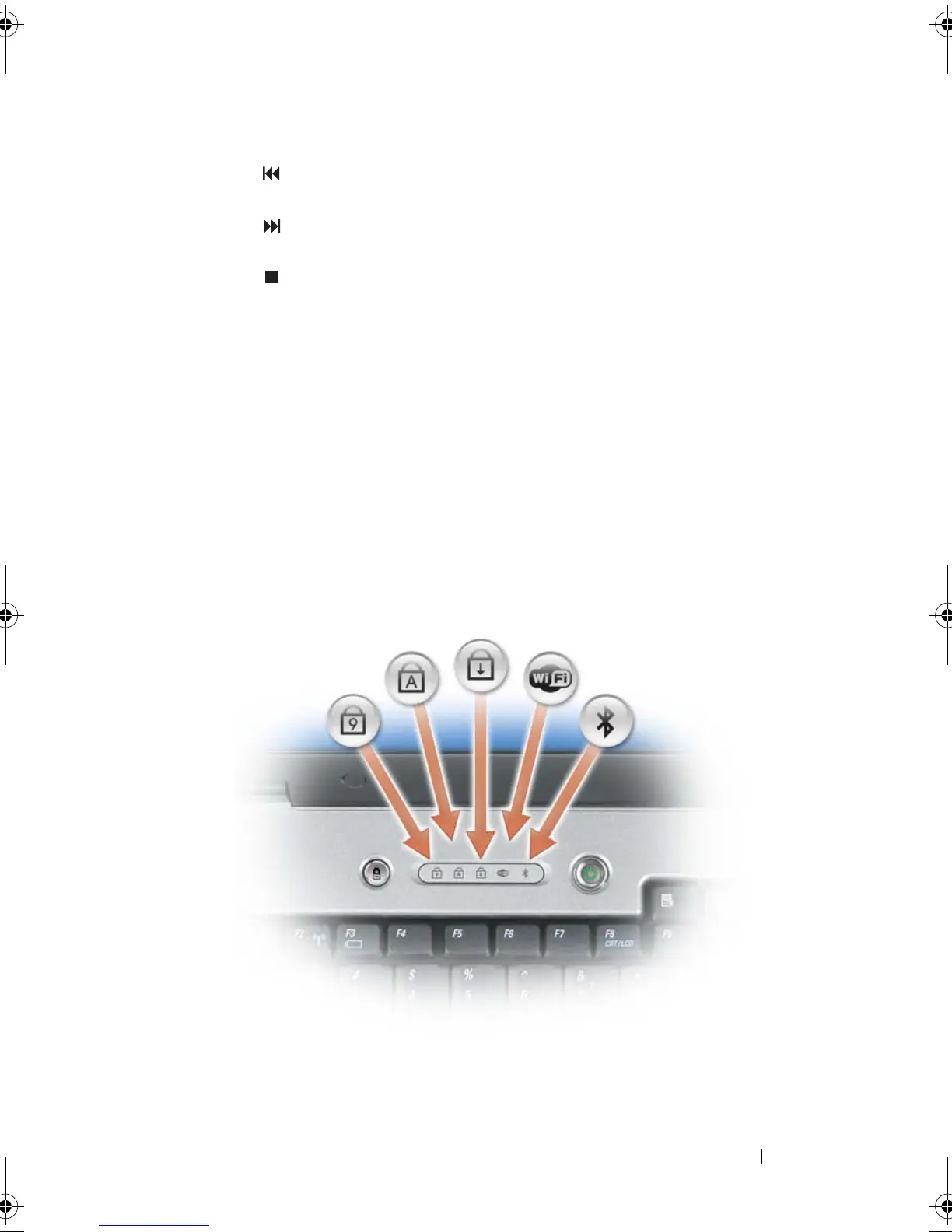
KEYBOARD AND WIRELESS STATUS LIGHTS
The lights located above the keyboard indicate the following:
Play the previous track.
Play the next track.
Stop.
book.book Page 37 Tuesday, August 28, 2007 10:20 AM















 To Next Page