Dell Printer Configuration Web Tool | 123
Home
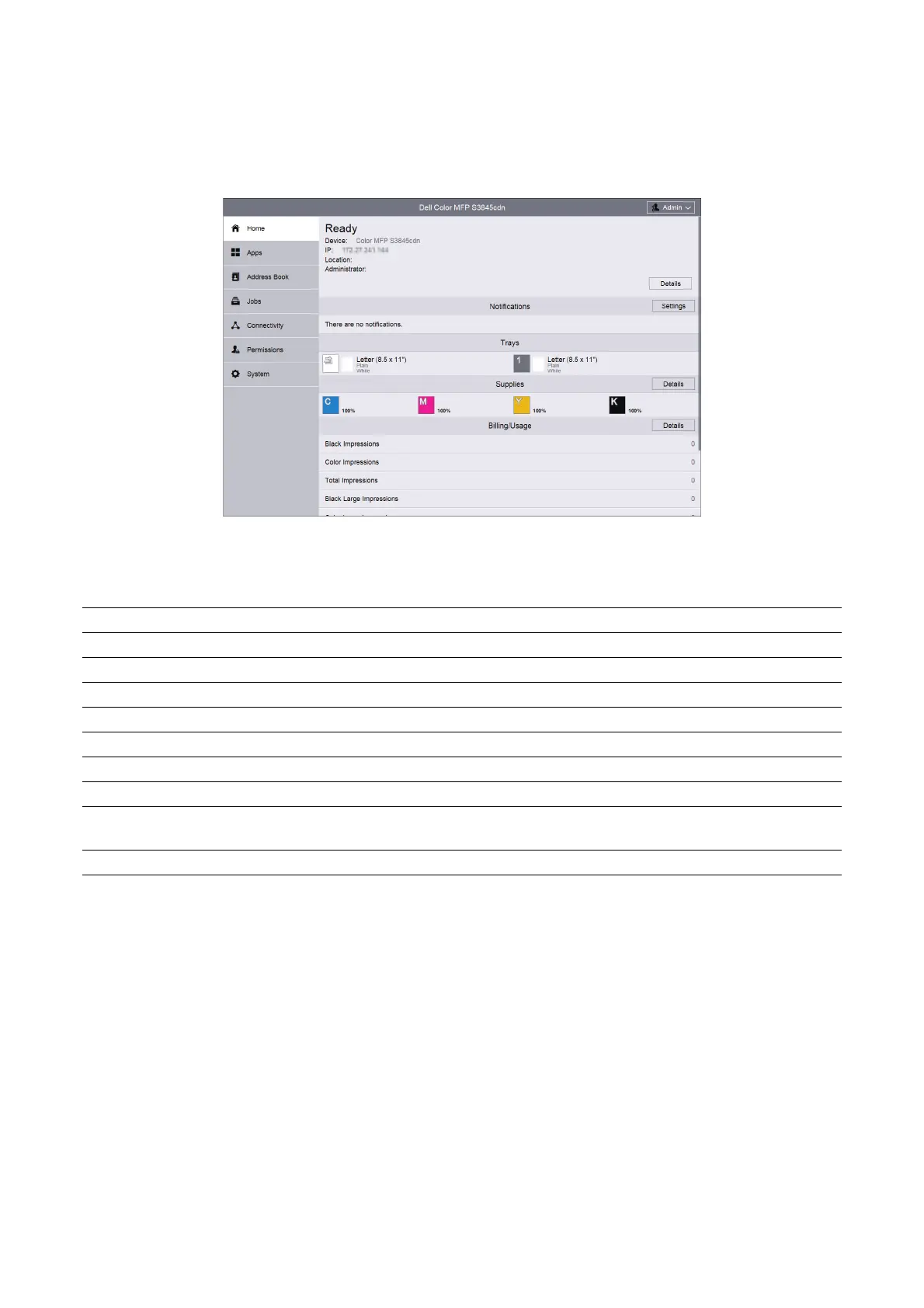
The header part of Home screen shows the status and basic information of the printer.
Select Details to open Device Details.
Device Details
Allows you to view and edit the following items.
Notifications
Displays the notifications from the printer such as the fault status, replacement period,
and other important messages in the order of severity.
You can check the details or associated pages by selecting each notification.
Select Settings to open Notification Settings.
Notification Settings
Email Notifications
Set the Email Notifications settings. The printer sends the printer's trouble information to
the Email address specified here.
Device Name Set the name of the printer.
Dell Service Tag Number Displays Dell Service Tag Number.
Express Service Code Displays Express Service Code.
Customer Asset Tag Set the asset tag for the printer.
Firmware Version: Displays the current software version of the printer.
Fax Number Line 1: Displays the fax number of the printer.
Serial Number: Displays the serial number of the printer.
Device Location Set the location of the printer.
Network Displays the basic network information. You can edit the values at
"Connectivity".
System Administrator Set the information of the system administrator.












 To Next Page