154 | Dell Printer Configuration Web Tool
Stored Print Job Settings
Sets the stored print job settings.
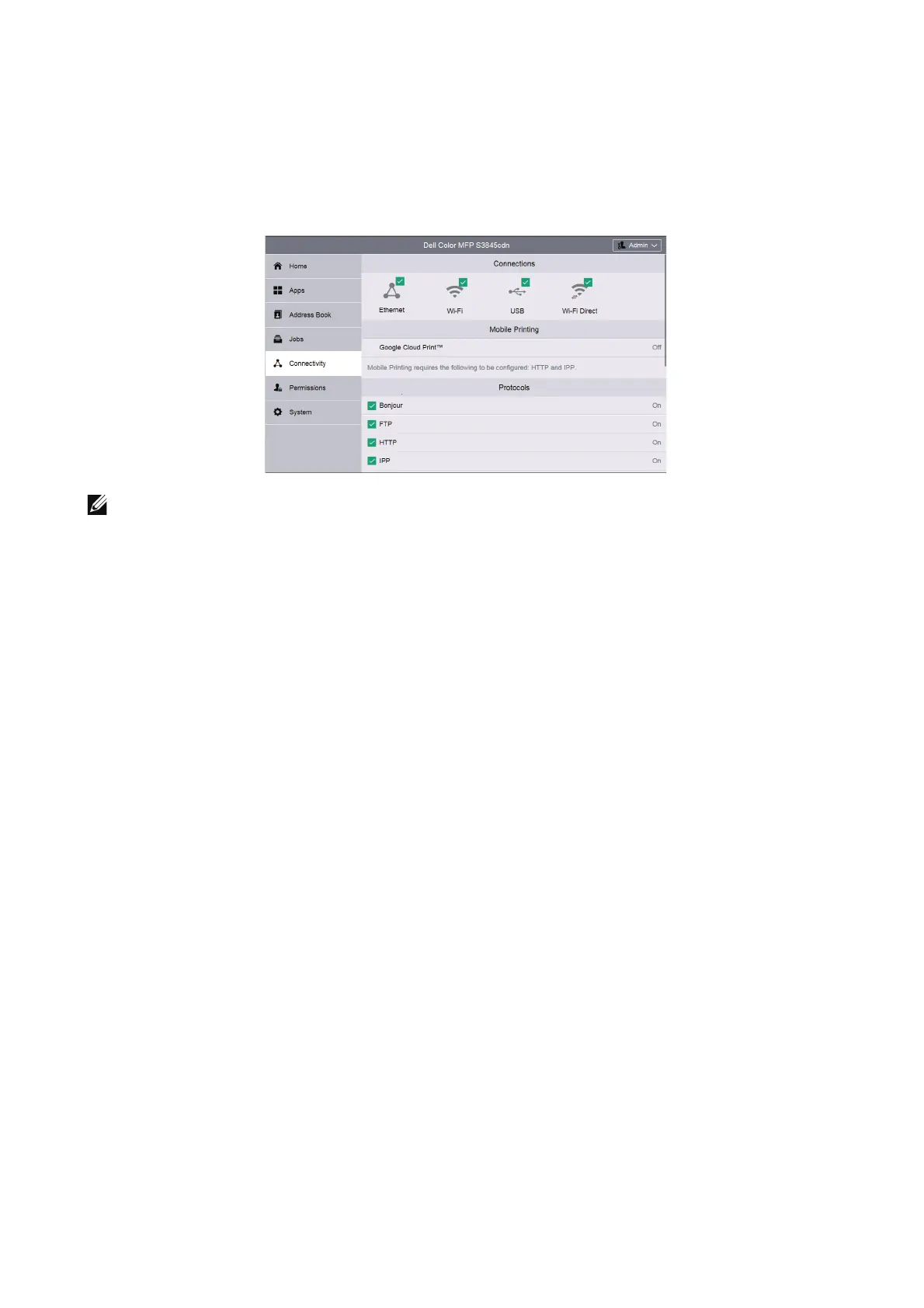
Connectivity
• The displayed features may vary depending on your settings.
• You can scroll the feature list up and down.
• When wired and wireless connections are used at the same time, it is recommended to use different
subnets for the primary and secondary interfaces.
Either the wired or wireless connection can be designated as the primary network interface.
Only the primary network interface can use the following protocols:
IPsec, SMTP/POP, SNTP, WSD Scan
*
, Scan To (Email/Network/ FTP), LDAP, UPnP Discovery, Email
Notifications, FTP Server, WebDAV, App Platform Web Services
*: WSD stands for Web Services on Devices.
Connections
Ethernet
MAC Address:
Displays the MAC address.
Rated Speed
Select a communication speed for the Ethernet interface.
• Auto (Default)
• 10 Mbps Half-Duplex
• 10 Mbps Full-Duplex
• 100 Mbps Half-Duplex
• 100 Mbps Full-Duplex
• 1 Gbps Full-Duplex
Common
Tap Edit for the settings.












 To Next Page