Print Quality Problems | 417
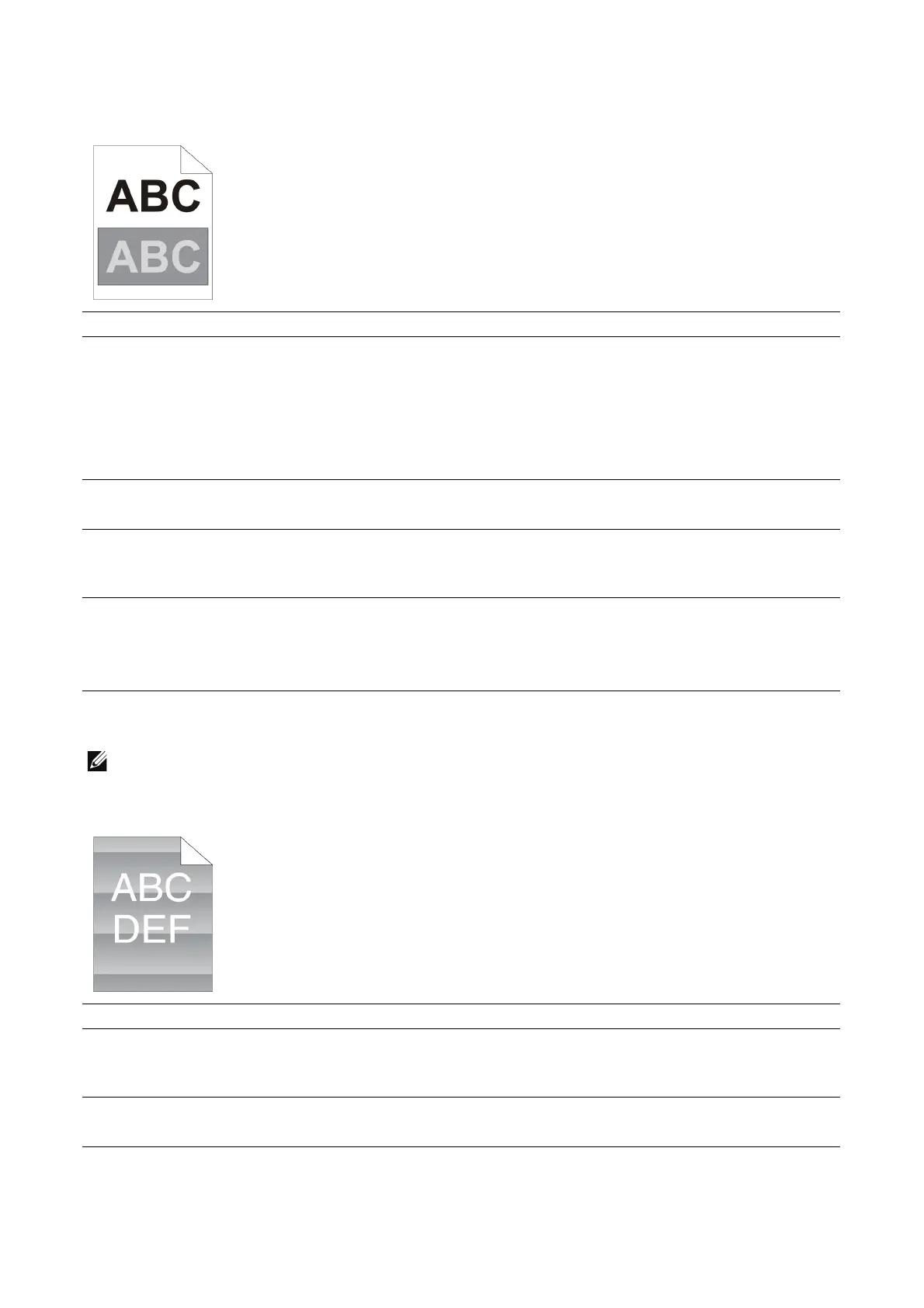
Ghosting
Light-induced fatigue
• This is caused by leaving one or more drum cartridges exposed to light outside the machine for an
extended time period.
Action Yes No
1 Locate the cause of the problem using Device >
Support Pages > Ghosting Print.
Is the type of the problem identified?
Proceed to the
action
corresponding to the
type of ghosting.
• Positive ghost - 2a
• Negative ghost -
2b
Contact Dell.
2a Replace the drum cartridges.
Does this solve your problem?
The task is complete. Go to action 3.
2b If you are using non-recommended print media, use the
print media recommended for the printer.
Does this solve your problem?
The task is complete. Contact Dell.
3 Adjust the transfer bias.
If the problem persists, reset the transfer bias to 0 and
decrease the temperature level of the fusing unit.
Does this solve your problem?
The task is complete. Contact Dell.
Action Yes No
1 Locate the cause of the problem using Device >
Support Pages > Repeating Defects.
Does the pattern on the output match with the chart?
Go to action 2. Contact Dell.
2 Replace the drum cartridges.
Does this solve your problem?
The task is complete. Contact Dell.












 To Next Page