372 | Maintaining Your Printer
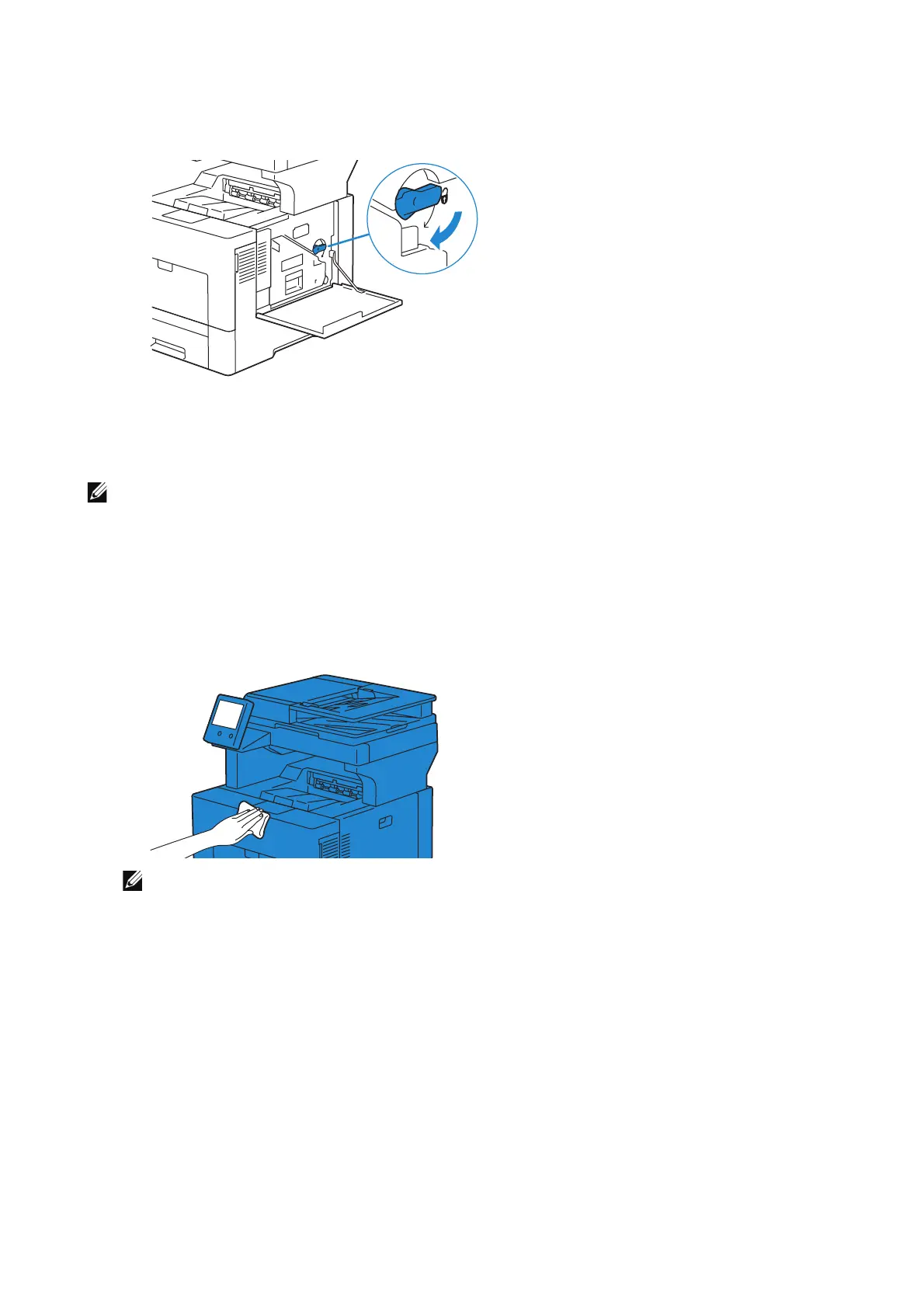
3 Turn the waste toner box lock lever 90-degrees clockwise to lock the waste toner
box.
4 Close the right side cover.
Cleaning the Exterior
• Do not use benzene, paint thinner, or other volatile liquids or spray insect repellent on the machine
as they might discolor, deform, or crack covers.
• Cleaning the machine with an excessive amount of water may cause the machine to malfunction or
damage documents during copying.
1 Wipe the exterior with a firmly wrung soft cloth moistened with water.
• Do not use cleaning agents other than water or neutral detergent.
• If you cannot remove the dirt easily, gently wipe the machine with a soft cloth moistened with
a small amount of neutral detergent.
2 Wipe off any excess water with a soft cloth.












 To Next Page