256 | Faxing
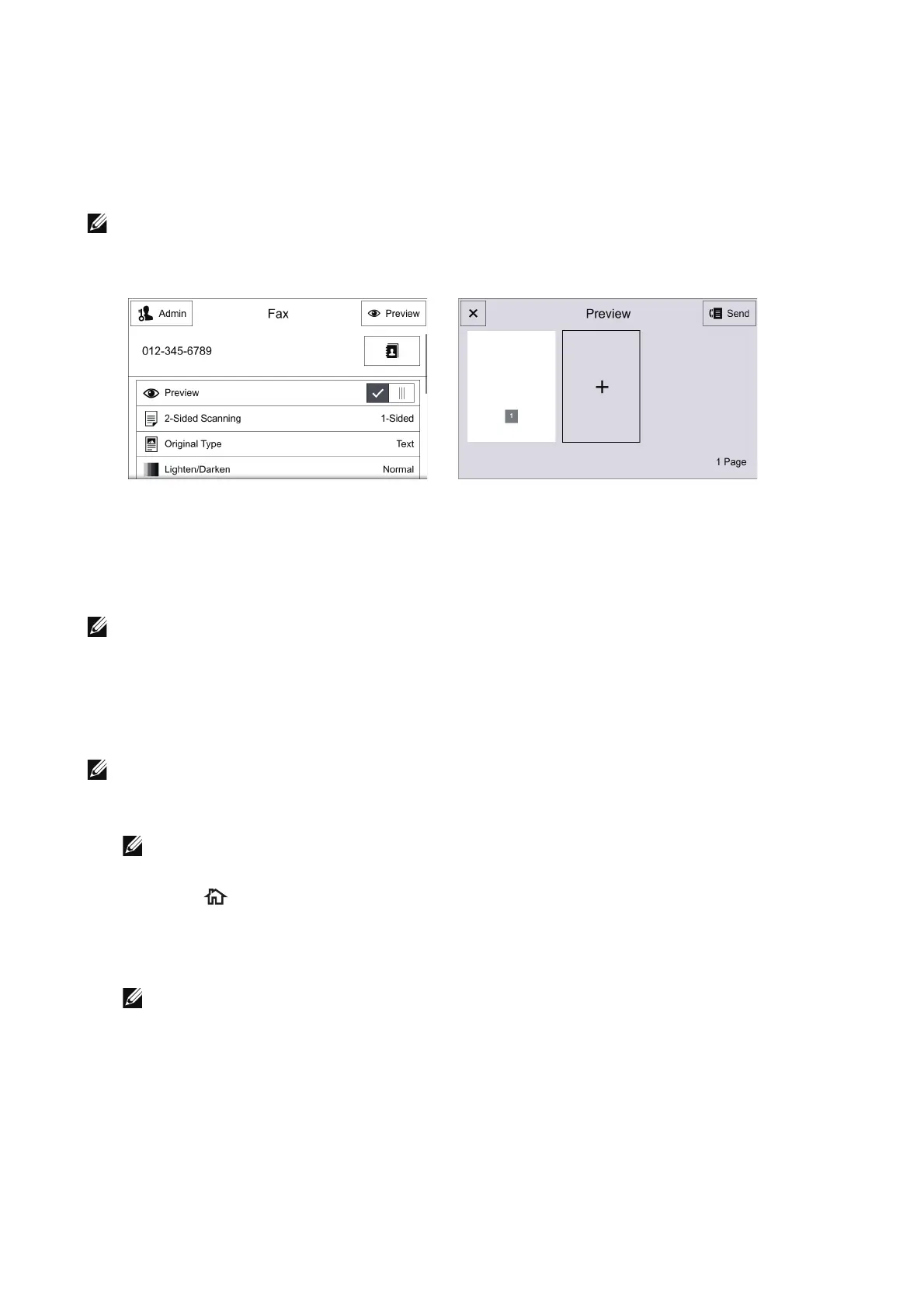
Previewing the Scanned Images during a Fax Job
When Preview is enabled on the Fax screen and then a document is scanned, the
Preview button is displayed on the fax operation screen. To preview the scanned
images, select the Preview button. To proceed operation after previewing, select Send
on the screen.
• Depending on the setting of Remove Blank Pages, you cannot preview the pages recognized as
blank, and can preview from the first non-blank page of the last read document.
Automatic Redialing
If the number you have dialed is busy or there is no answer when you send a fax, the
printer will automatically redial the number every minute based on the number set in the
redial settings.
• See "Redial Settings".
• The printer will not automatically redial a number that was busy when the number was manually
entered.
Sending a Delayed Fax
• See "Delay Send".
1 Load the document(s).
• See "Loading Documents".
2 Press the button.
3 Select Fax.
4 Enable Delay Send and specify the start time.
• See "Specific Time".
5 Set the recipient.
6 Select Send.












 To Next Page