Maintaining Your Printer | 385
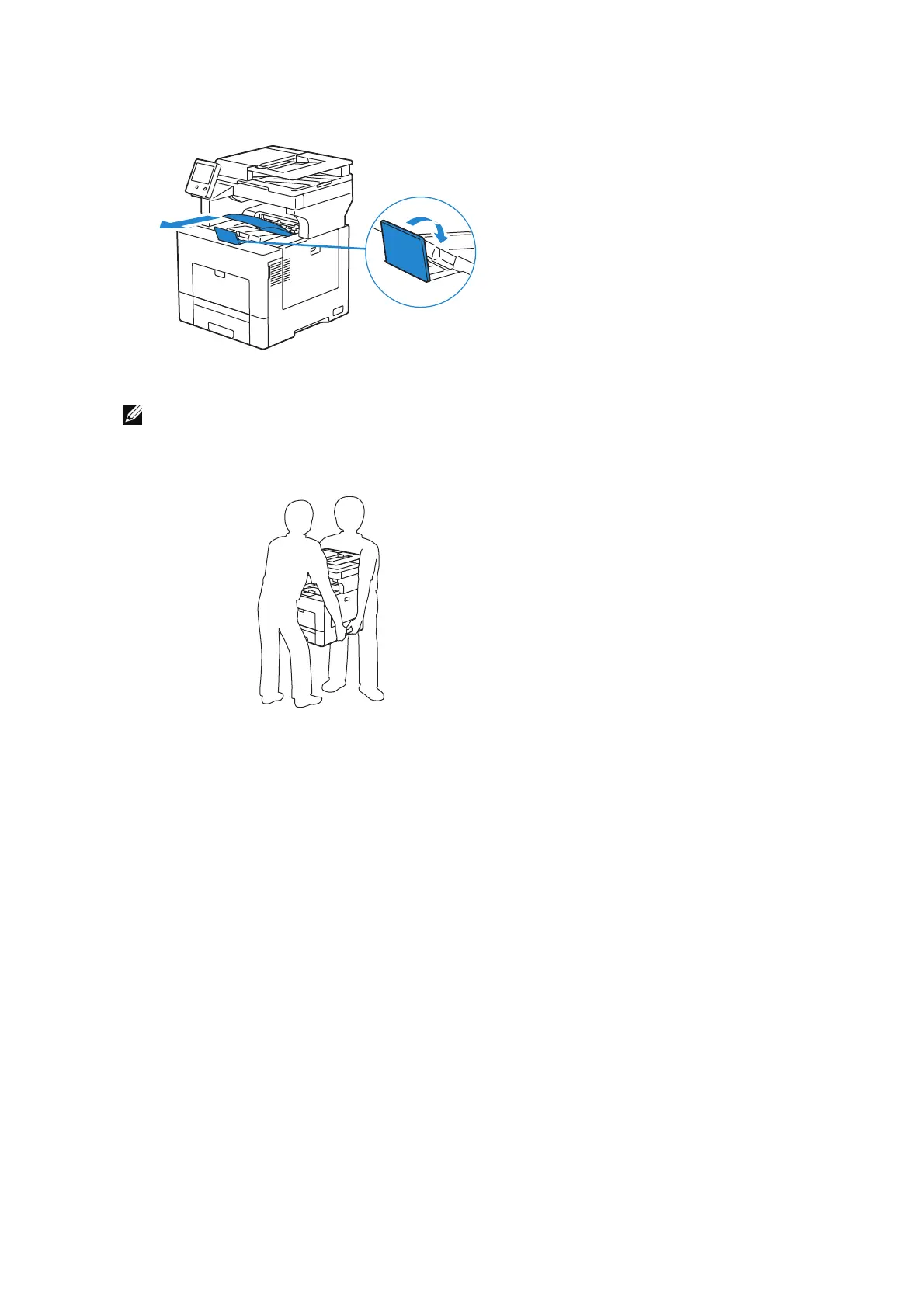
3 Remove any paper in the output tray and retract the output tray extension.
4 Lift the printer and move it gently.
• If you move the printer over a long distance, remove the toner cartridges from the printer to
prevent toner from spilling, and pack the printer inside a box.
Adjusting Color Registration
When you first install the printer or after moving it to a new location, adjust the color
registration in Device > Support > Color Registration - Automatic.
If you need to adjust the color registration manually, follow the procedure below.
Printing a Sample Page
1 Load a sheet of Letter-sized paper in the bypass tray.
2 Select Device > Support > Color Registration - Manual.
3 Select Print Sample.
4 Select Start to print a sample page.












 To Next Page