ID Card Copy | 93
ID Card Copy
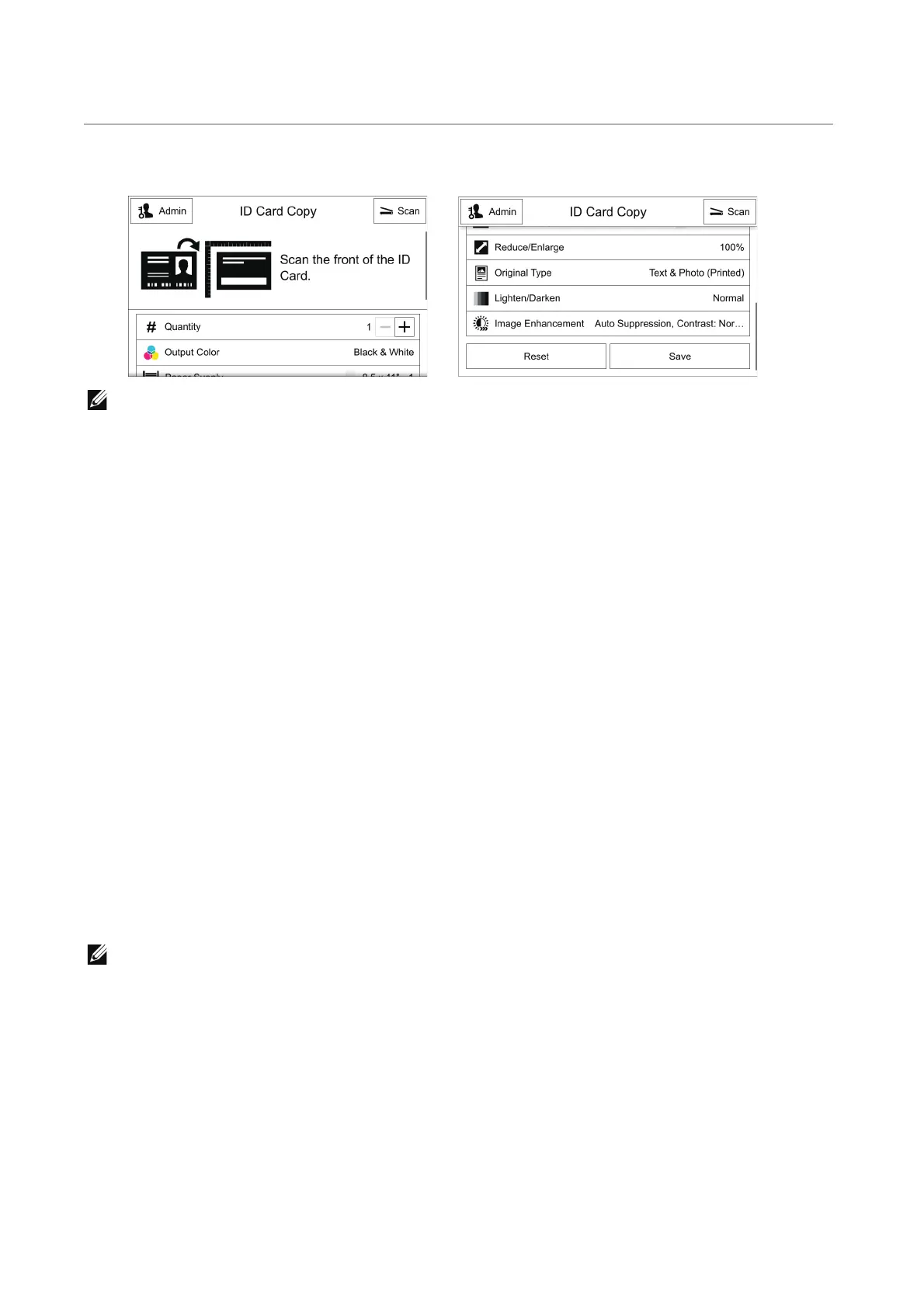
This section describes the features you can select on the ID Card Copy screen.
• You can scroll the feature list up and down.
Action Footer
The following action buttons are available on the bottom of the App screen.
Some features are available only for the users with administrator permission.
Reset
Returns all the settings within the App to the default.
Save
Shows the popup menu to save the current settings within the App.
Save Defaults
Saves the current settings as new default.
Quantity
Enter the number of copies.
Output Color
This feature allows you to select copy colors.
• If the use of certain colors is not allowed, the available colors will be restricted. For more
information, refer to "Roles".












 To Next Page