360 | Maintaining Your Printer
Maintaining Your Printer
You need to complete certain tasks to maintain optimum print quality.
Determining the Status of Supplies
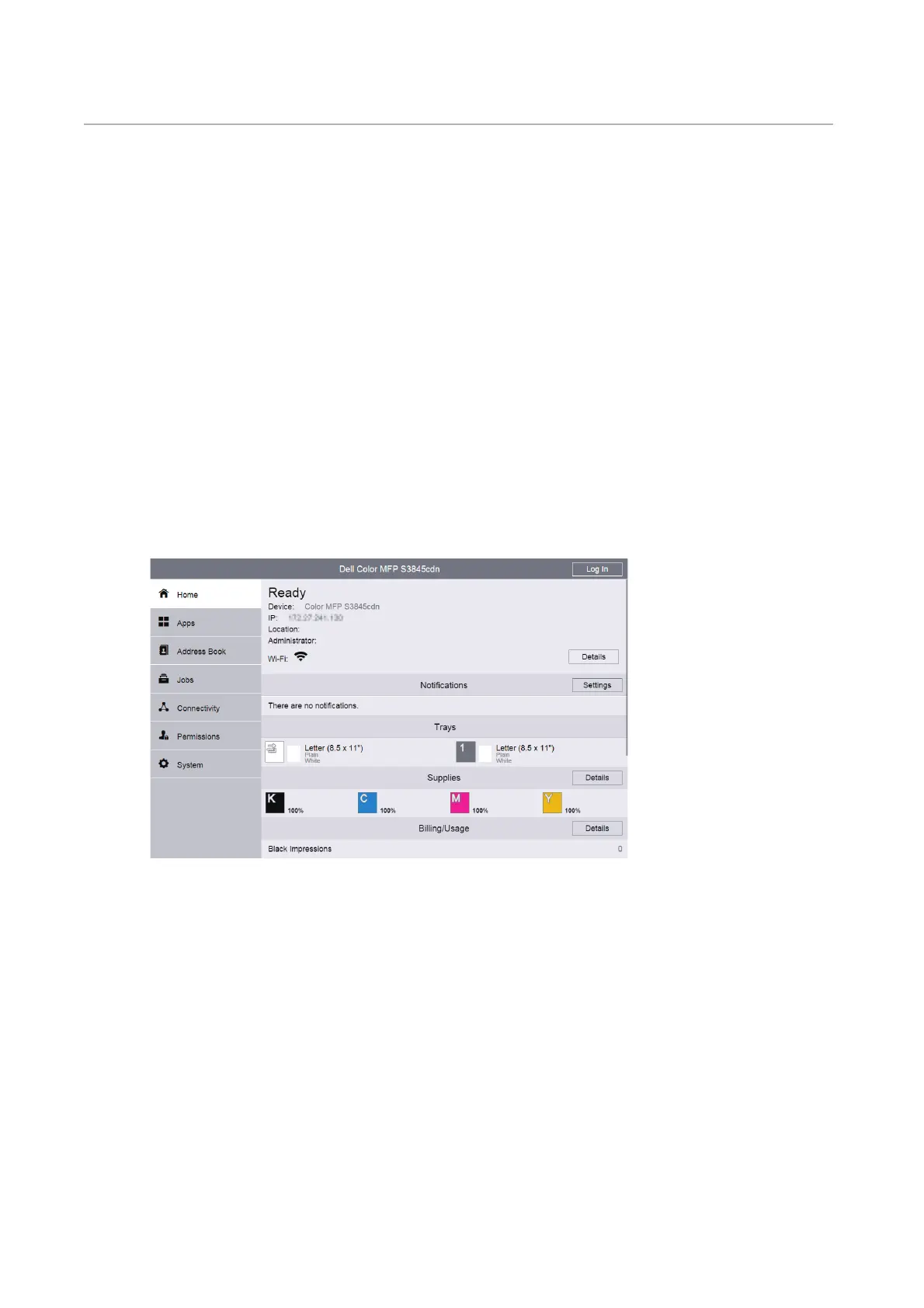
If the printer is connected to the network, Dell Printer Configuration Web Tool can
provide instant feedback on remaining toner levels. Enter the printer's IP address in your
web browser to view this information. You can also set the printer to send you an e-mail
alert when the printer needs supplies.
On the touch panel screen, you can also confirm the following:
• Any supply or maintenance items that require attention replacing.
• Amount of toner remaining in the toner cartridge.
To set up e-mail alerts:
1 Launch the Dell Printer Configuration Web Tool. See "Starting the Dell Printer
Configuration Web Tool".
2 Click Details in the Supplies section of the Home screen.












 To Next Page