422 | Jam/Alignment Problems
Jam/Alignment Problems
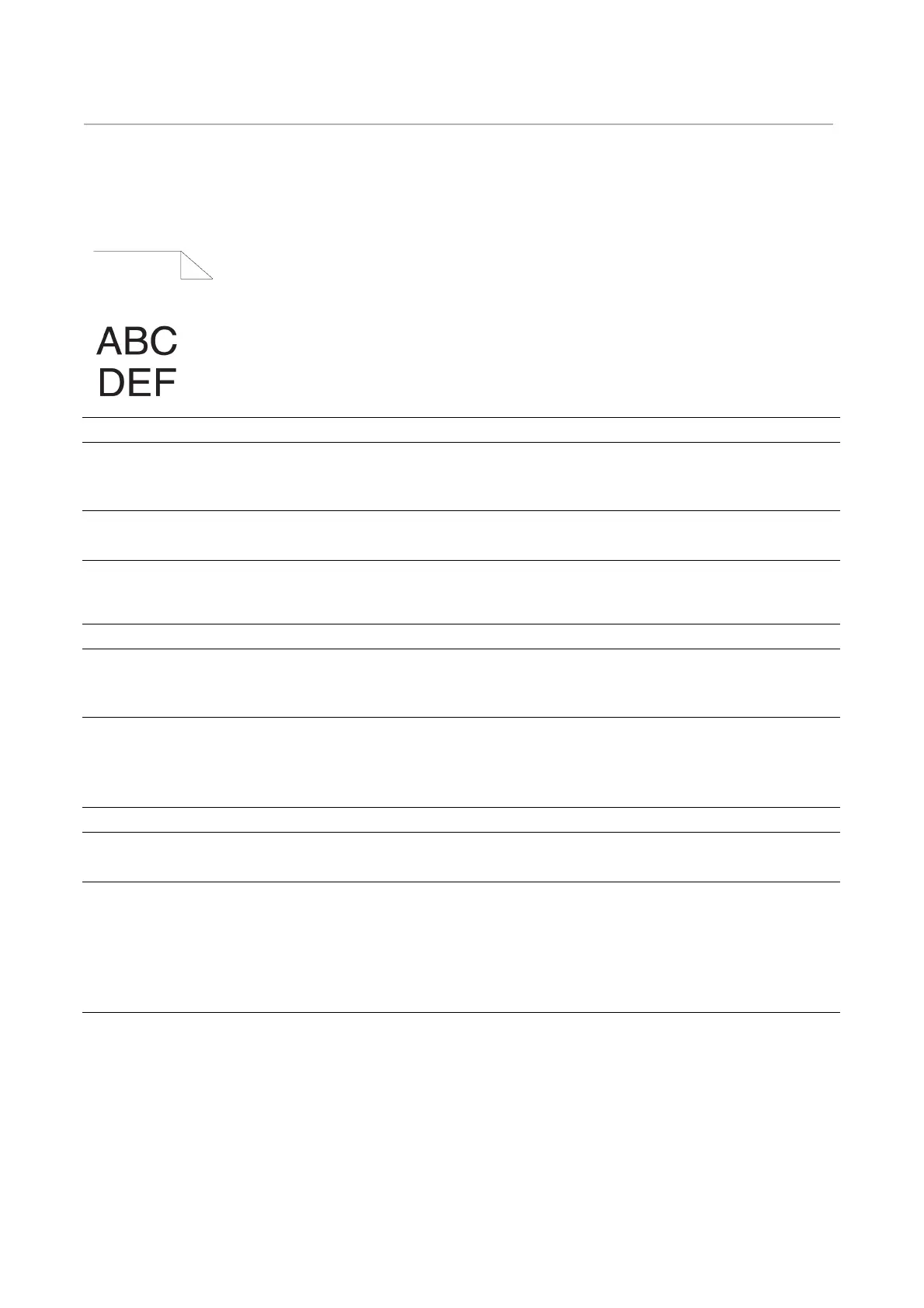
The top and side margins are incorrect
Color registration is out of alignment
Action Yes No
1 Ensure that the margins are set correctly on the
application being used.
Does this solve your problem?
The task is complete. Go to action 2.
2 Adjust the paper guides properly.
Does this solve your problem?
The task is complete. Contact Dell.
Action Yes No
1 Adjust the settings of the paper type on the printer
driver to those of the tray.
Does this solve your problem?
The task is complete. Go to action 2.
2 Execute auto color registration adjustment.
1 Select Device > Support > Color Registration
- Automatic > Start.
Does this solve your problem?
The task is complete. Contact Dell.
3 Do you have spare drum cartridges? Go to action 4a. Go to action 4b.
4a Replace the drum cartridges.
Does this solve your problem?
The task is complete. Contact Dell.
4b Manually correct the color registration.
1 Select Device > Support > Color Registration
- Manual.
2 Follow the instructions in "Adjusting Color
Registration".
Does this solve your problem?
The task is complete. Contact Dell.












 To Next Page