Scan To | 97
Scan To
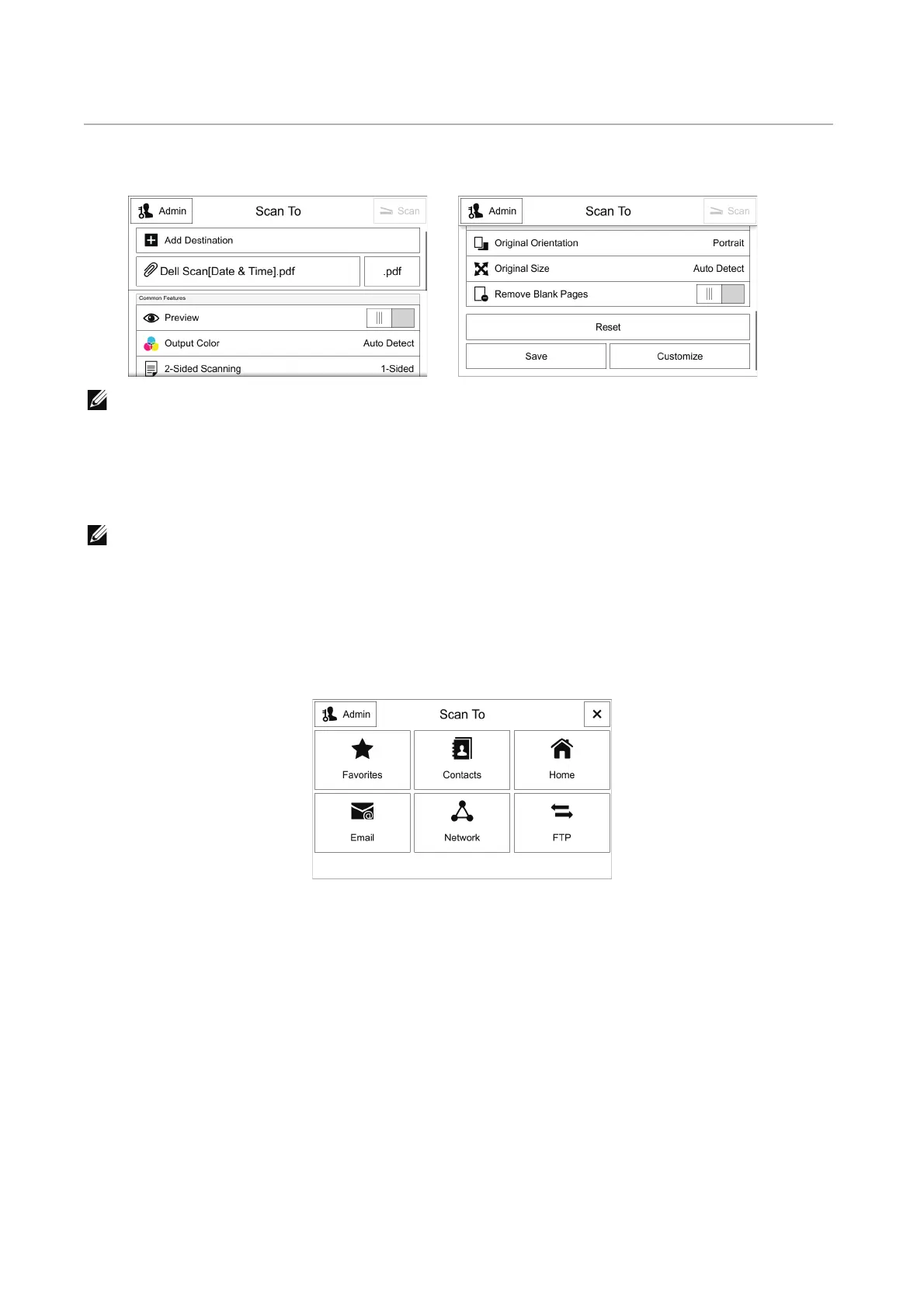
This section describes the features you can select on the Scan To screen.
• The displayed features may vary depending on your settings.
• Some features are not shown by factory default. Only the users with administrator permission can
change the feature list settings.
• You can scroll the feature list up and down.
When any Email address is set as a destination, the Email features are enabled.
• See "Email".
Destination Selection Screen
Before using the Scan To service, select the destination to store the scanned
documents.
Favorites
Allows you to select the destination from Favorites registered in the Address Book.
Only the valid options for the Scan To feature are shown in the list.
Contacts
Allows you to select the destination from Contacts registered in the Address Book.
Only the valid options for the Scan To feature are shown in the list.












 To Next Page