Device | 67
• Always Allowed
Turns the printer off when the specified time has elapsed.
• Allowed ONLY When Conditions are Met
Turns the printer off only when the following conditions are all met during the time
you specified.
– The fax line is not used.
– The USB device port is not used.
– The wired network port is not used.
– The wireless connection is not used.
Apps
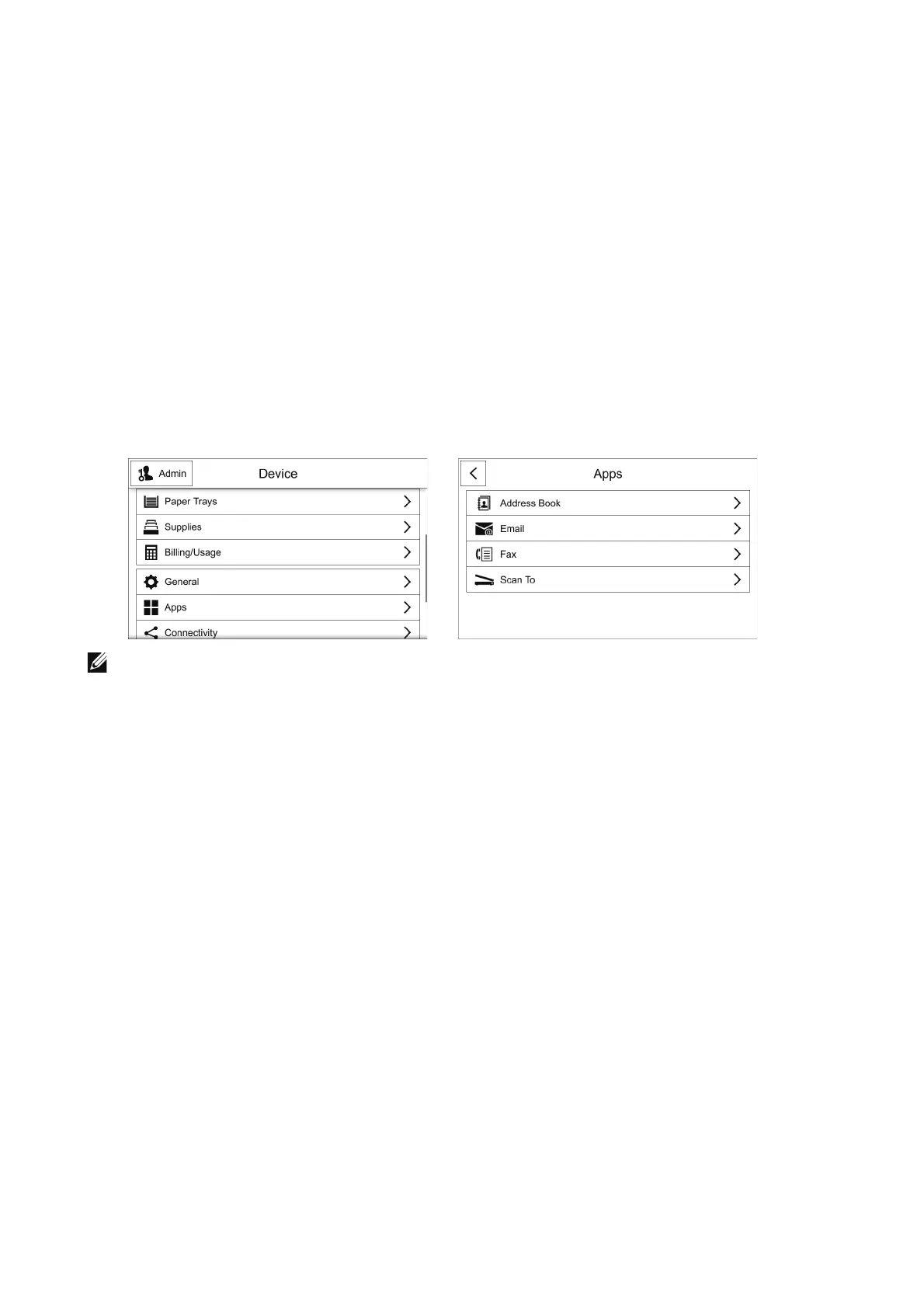
Use the Apps menu to set basic settings to use each app.
To open the Apps screen, scroll the feature list on the Device screen and select Apps.
• The displayed features may vary depending on your settings.
• You can scroll the feature list up and down.
Address Book App
LDAP
See "LDAP".
Email App
SMTP
See "SMTP".
Default “From” Address
Enter the printer's email address with up to 128 characters.
Fax App
Fax Line
You can set the local terminal information.












 To Next Page