| 445
Connect a printer using an IP Address
1 Install the TWAIN driver and click Start J All Programs J Dell TWAIN driver J
Device Connection Tool.
2 Enter the IP address of the desired printer in the IP Address box.
3 Click Confirm.
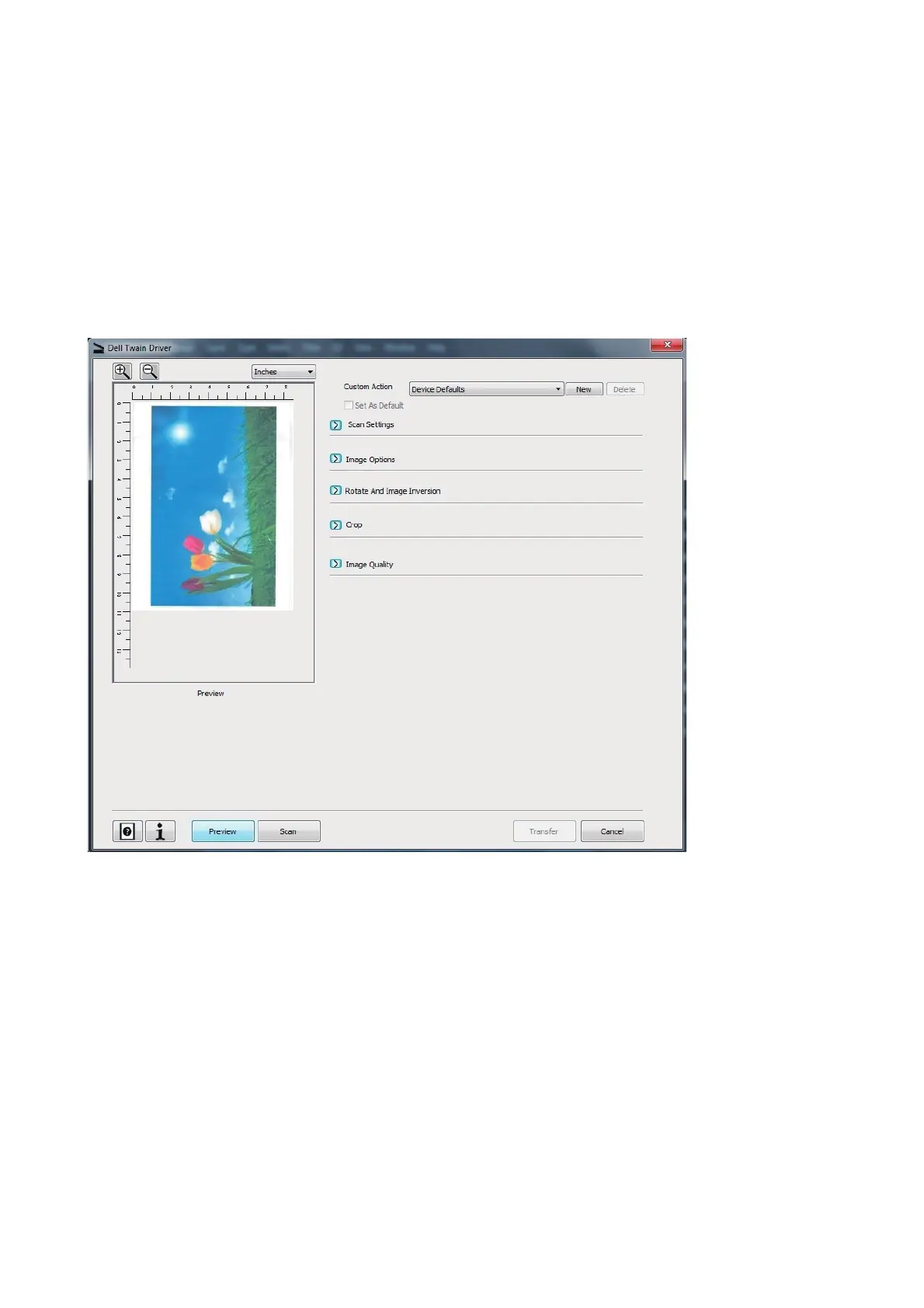
Launching the TWAIN Driver User Interface
Open TWAIN complaint applications: -
For Photoshop: Click File J Import J DELL TWAIN driver.
Fig 2. The Dell Twain Driver dialog












 To Next Page