Dell Printer Configuration Web Tool | 153
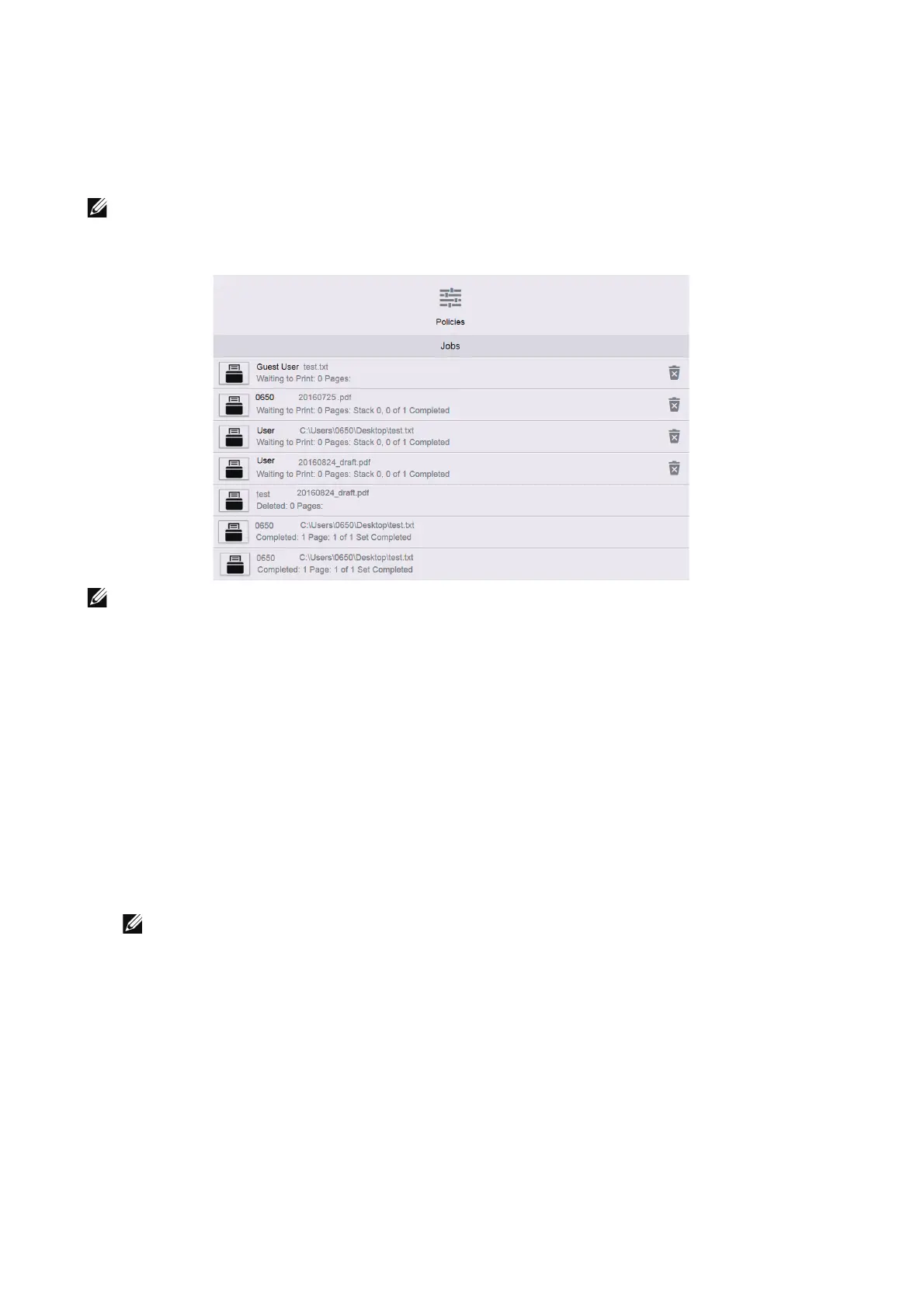
Jobs
The Jobs menu contains information on the List of Active Jobs and Completed Jobs.
These pages show the details of the status regarding each protocol or job.
Only Print jobs can be deleted.
• The jobs stored as Secure Print jobs can only be displayed in the job list on the device control panel.
For details, see "Checking active/pending jobs".
• You can scroll the feature list up and down.
List of Active Jobs
Displays the jobs that are being processed.
List of Completed Jobs
Displays the completed jobs. Up to the last 200 jobs are displayed.
Deleting a Job
1 Select a job you want to delete.
2 Select Delete button.
• Only Print jobs can be deleted.
Policies
Displays the Jobs Policies. You can configure settings related to the Jobs feature.
Print Around
Specify time period to disable print jobs.
Conceal Job Names
Select whether or not to conceal job names.












 To Next Page