384 | Maintaining Your Printer
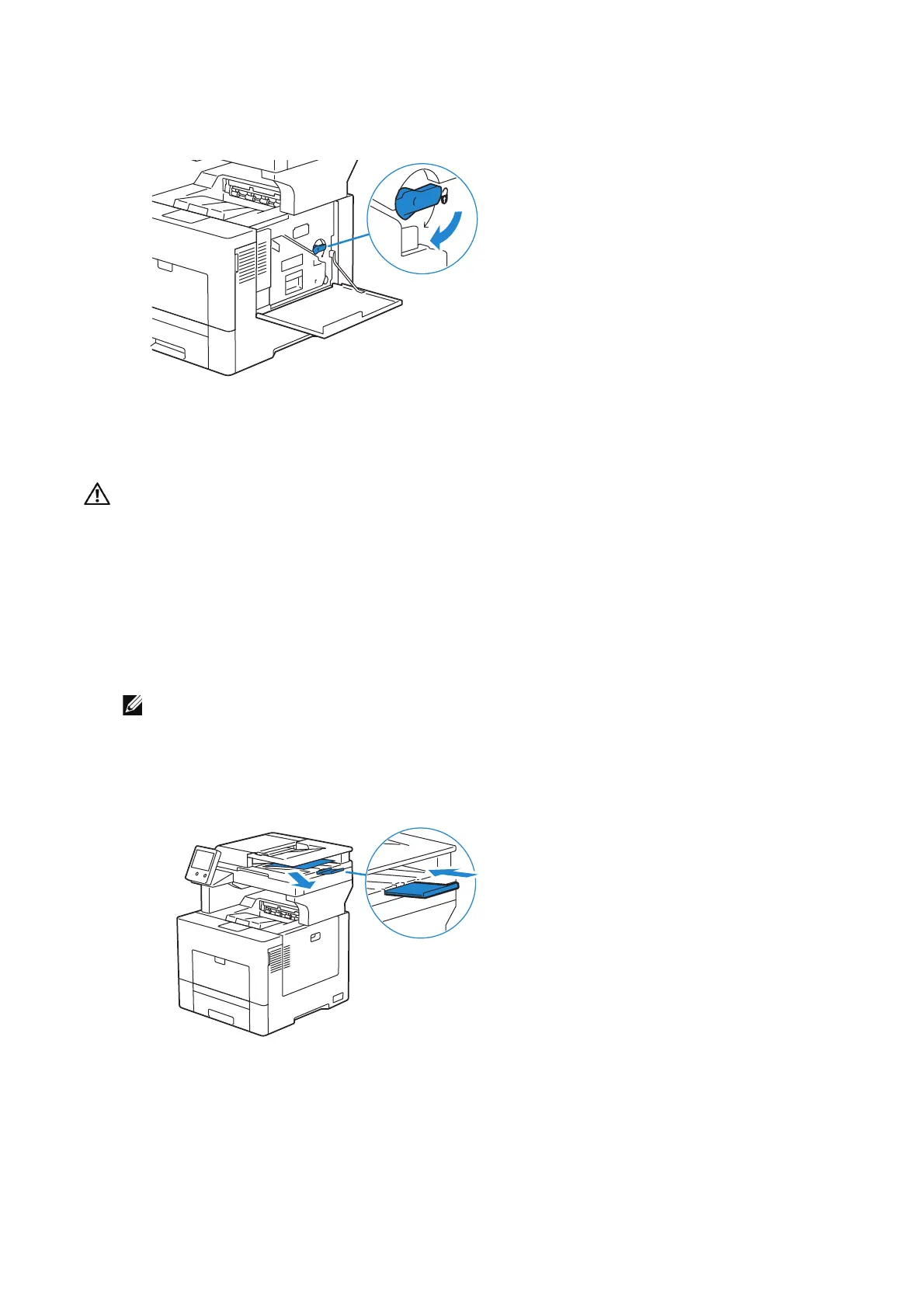
10 Turn the waste toner box lock lever 90-degrees clockwise to lock the waste toner
box.
11 Close the right side cover.
Moving the Printer
• Two people are required to move the printer.
• To prevent you from dropping the printer and getting backache or injuries, lift the printer by
firmly gripping the recessed areas on both sides of the printer. Never lift the printer by gripping
any other areas.
• If the optional 550-sheet feeder has been installed, uninstall the optional 550-sheet feeder
before moving the printer. If the optional 550-sheet feeder is not fixed securely to the printer, it
may fall to the ground and cause injuries.
1 Turn off the printer and disconnect the power cable, interface cable, and any other
cables.
• The data in the memory are cleared when the printer is turned off.
2 Remove any paper in the document output tray and slide the document stopper
inside the DADF.












 To Next Page