Control Panel | 61
To Scroll the Screen or the Listed Items
Swipe the screen by dragging your finger on the screen.
To scroll faster, flick the screen.
• You cannot swipe or flick on some screens depending on the screen design and specifications. In
this case, operate by tapping the buttons shown on the screen.
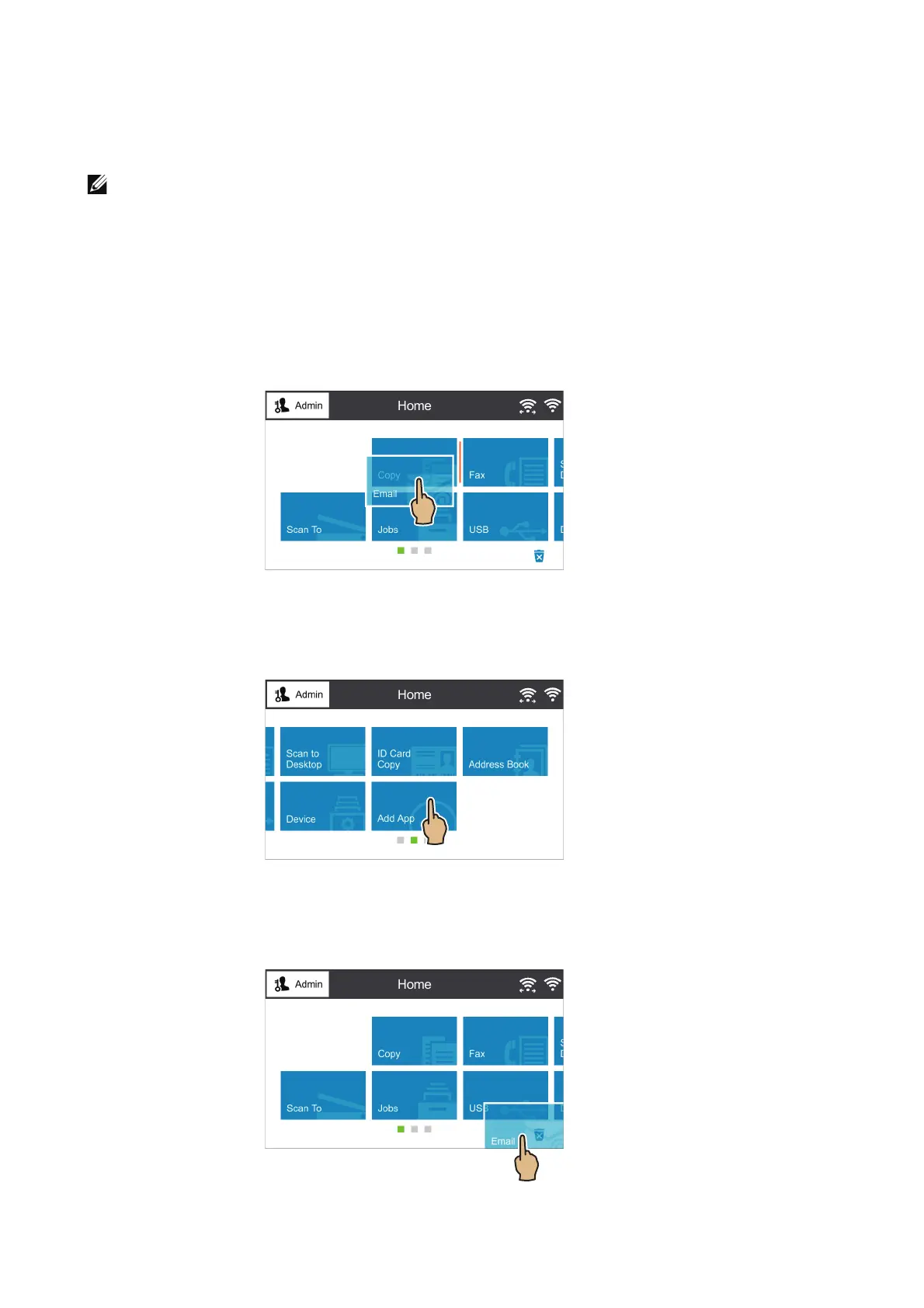
Moving, Adding or Removing the Tiles
To Move the Tiles
Tap and hold the tile you want to move, and drag it to the desired place.
To Add the Tiles
Tap Add App and select the item you want to add.
To Remove the Tiles
Tap and hold the tile you want to remove, and drag it to the trash box icon.












 To Next Page